A visual tour
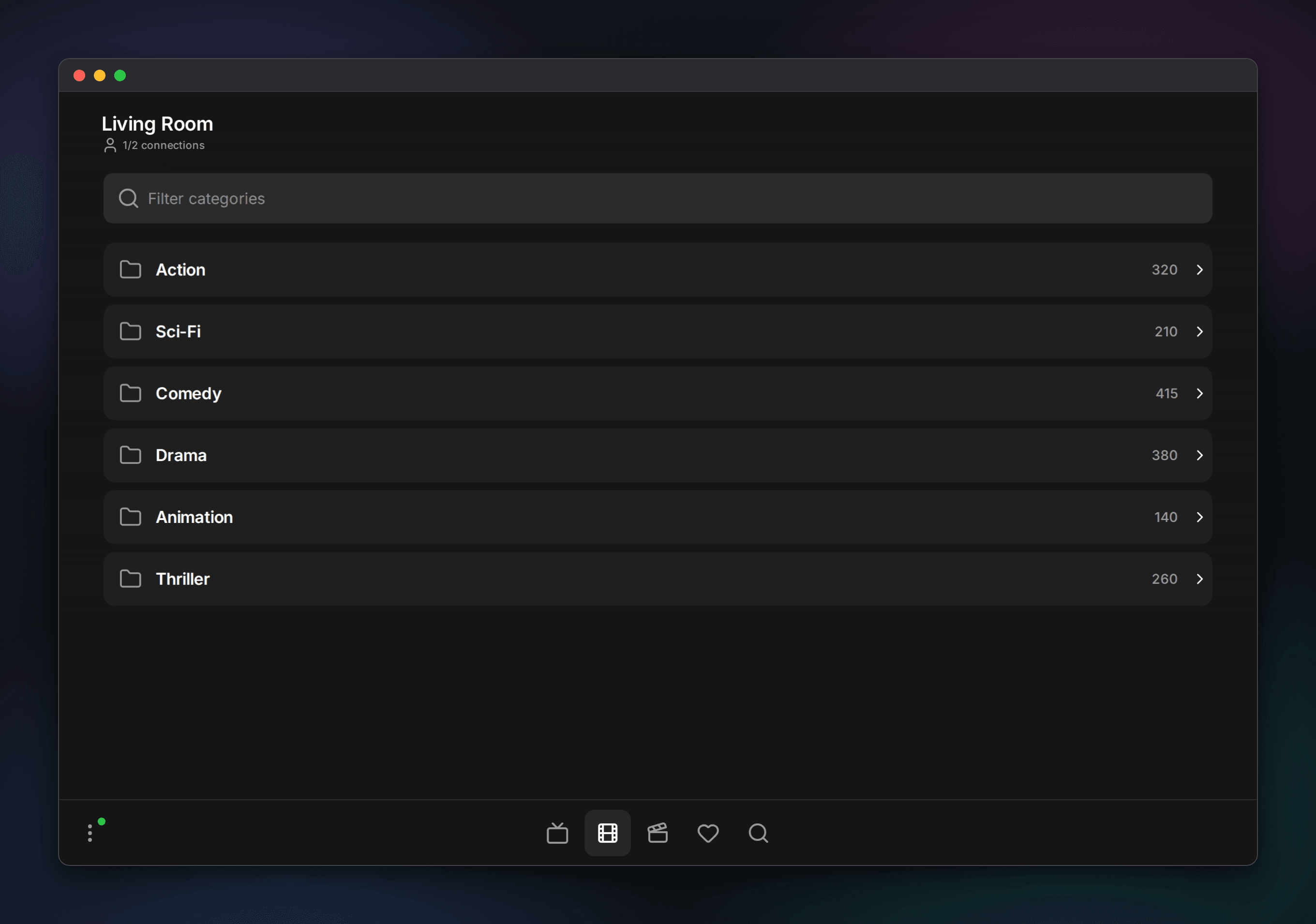
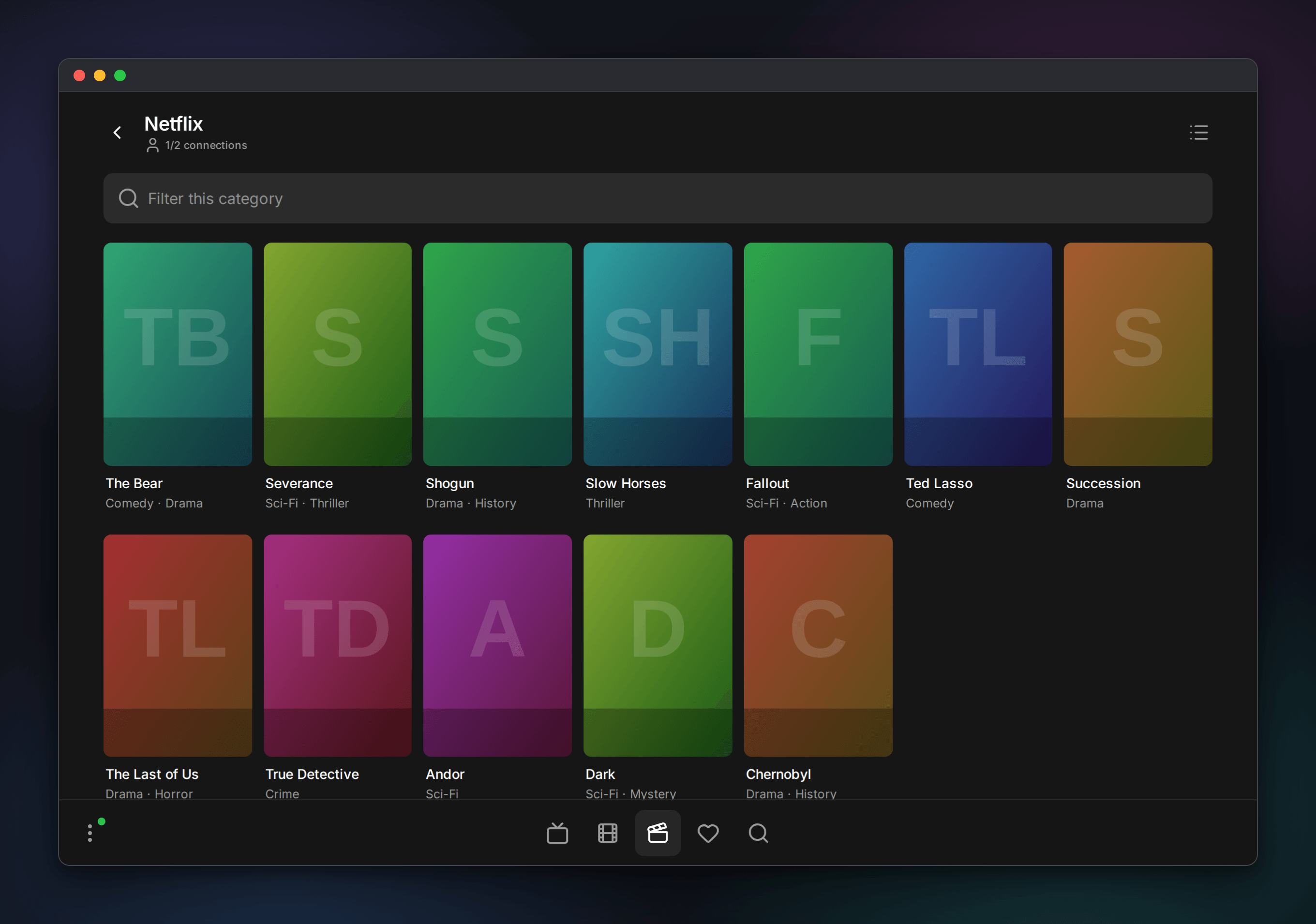
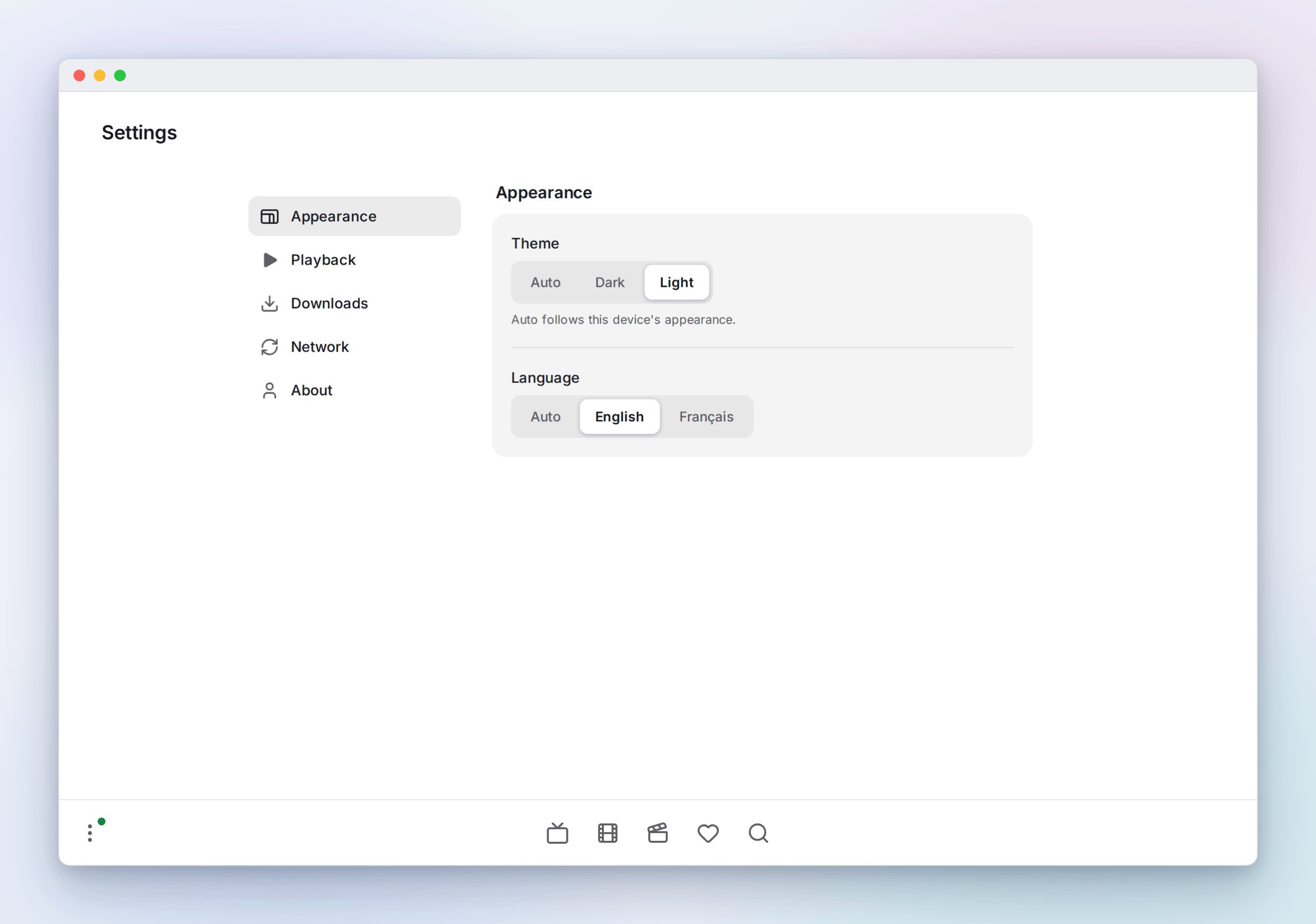
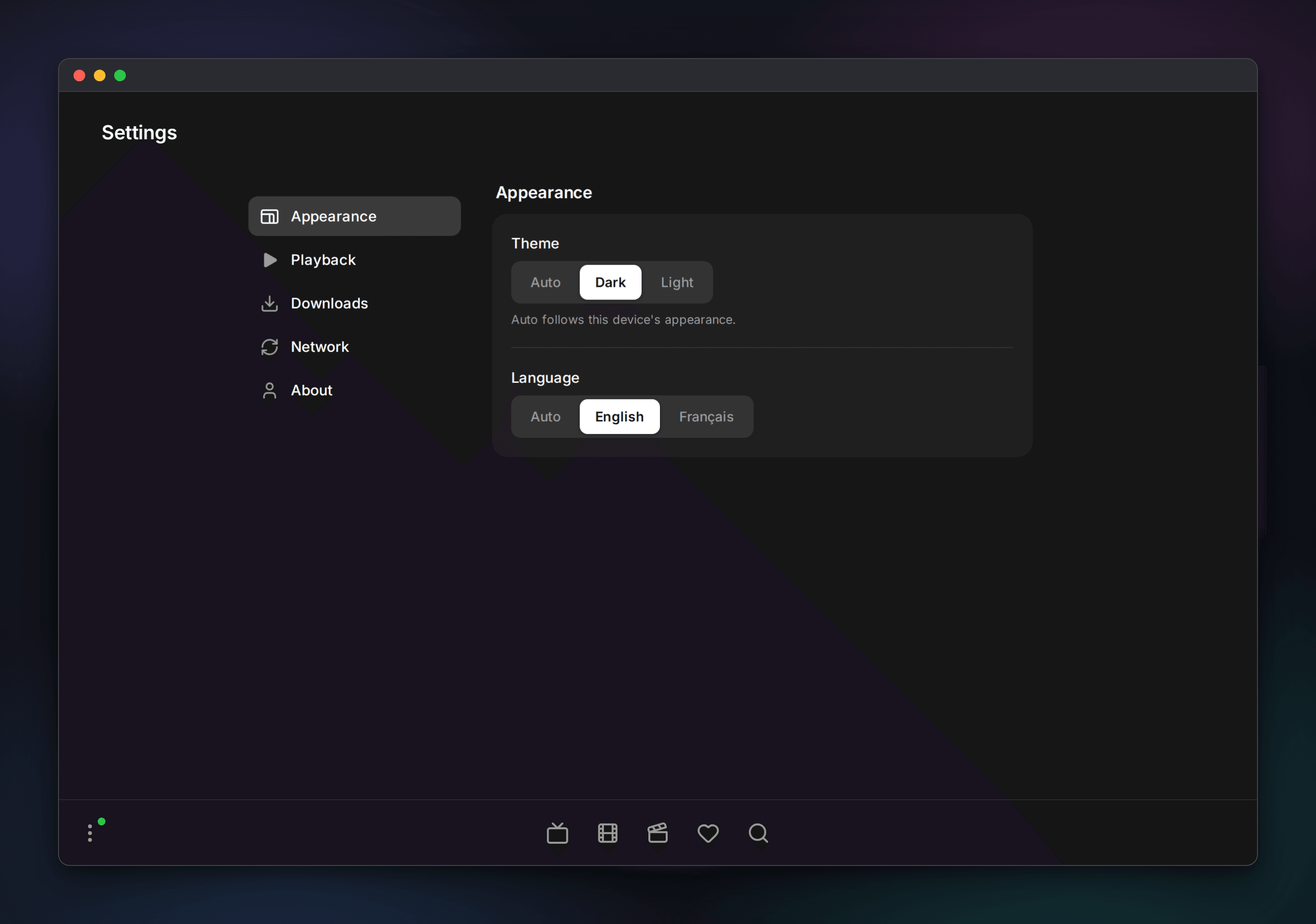
Every screen of the web client, in dark and light. The images follow the theme you are reading the docs in.
These shots use a mock provider that does not exist. The channels, movies and series shown are placeholders, for illustration only.
Live TV
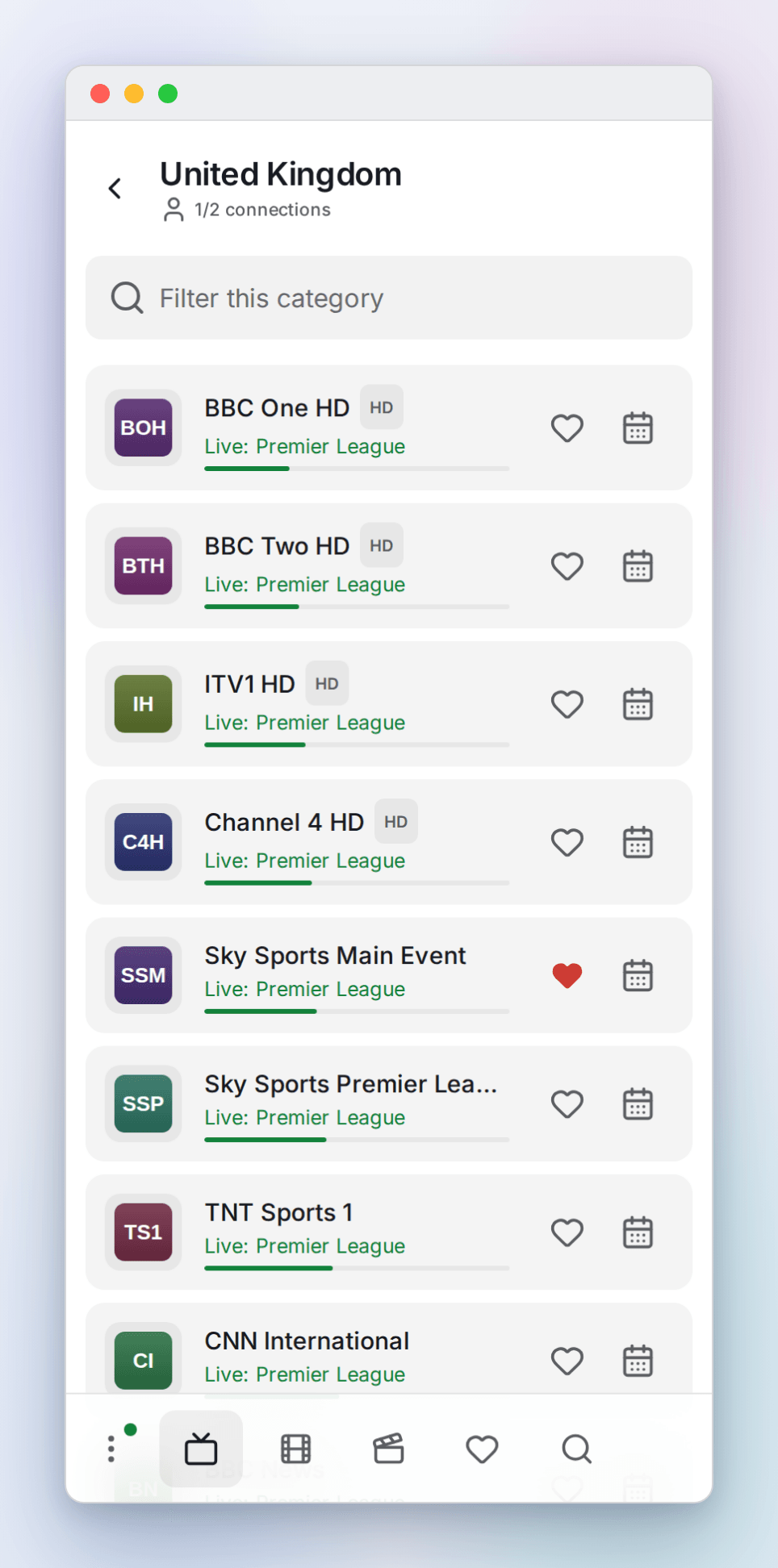
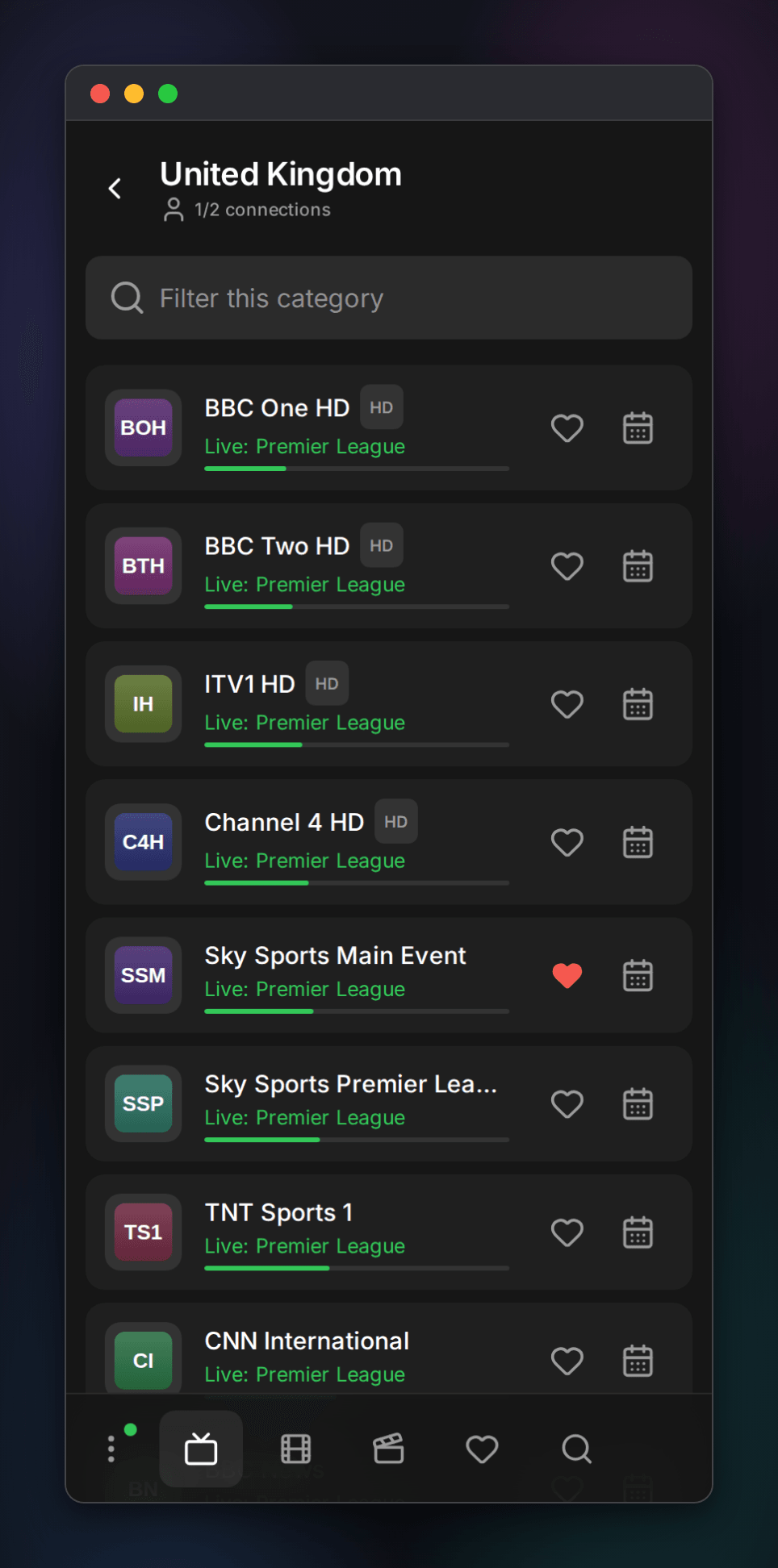
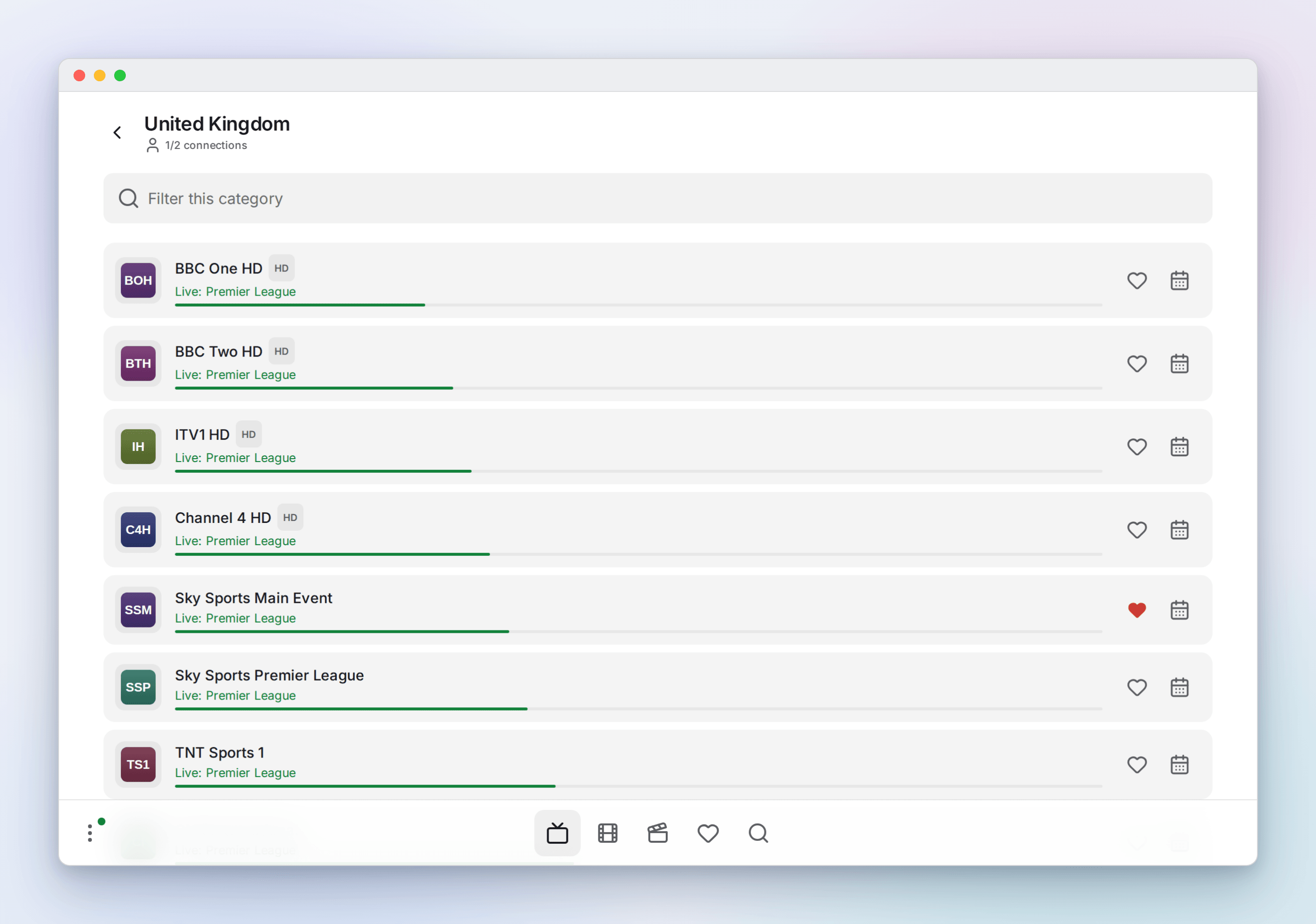
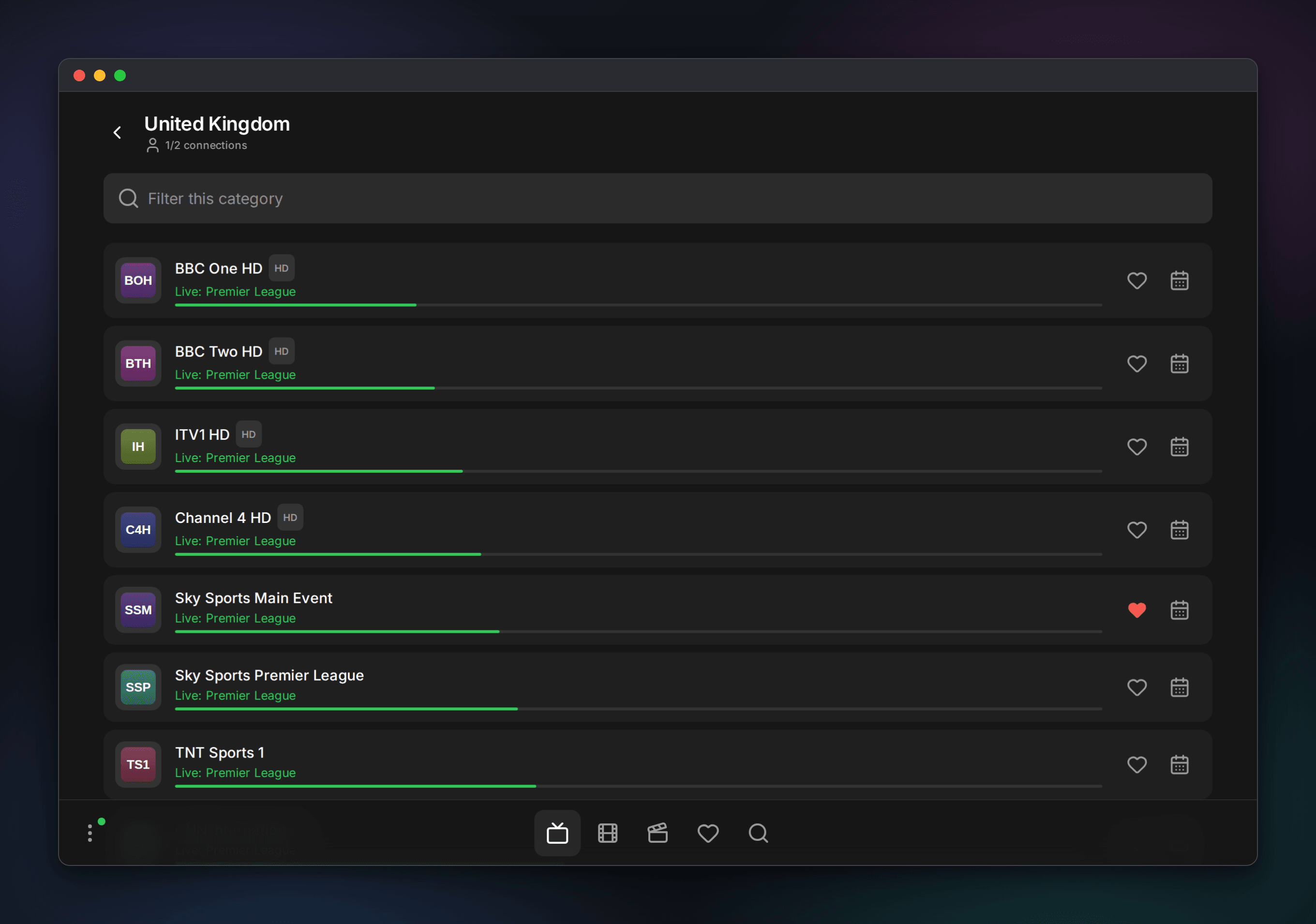
Live channels are a list with the now-and-next line and a progress bar pulled from your EPG. The calendar button opens the guide, and glows when catch-up is available.
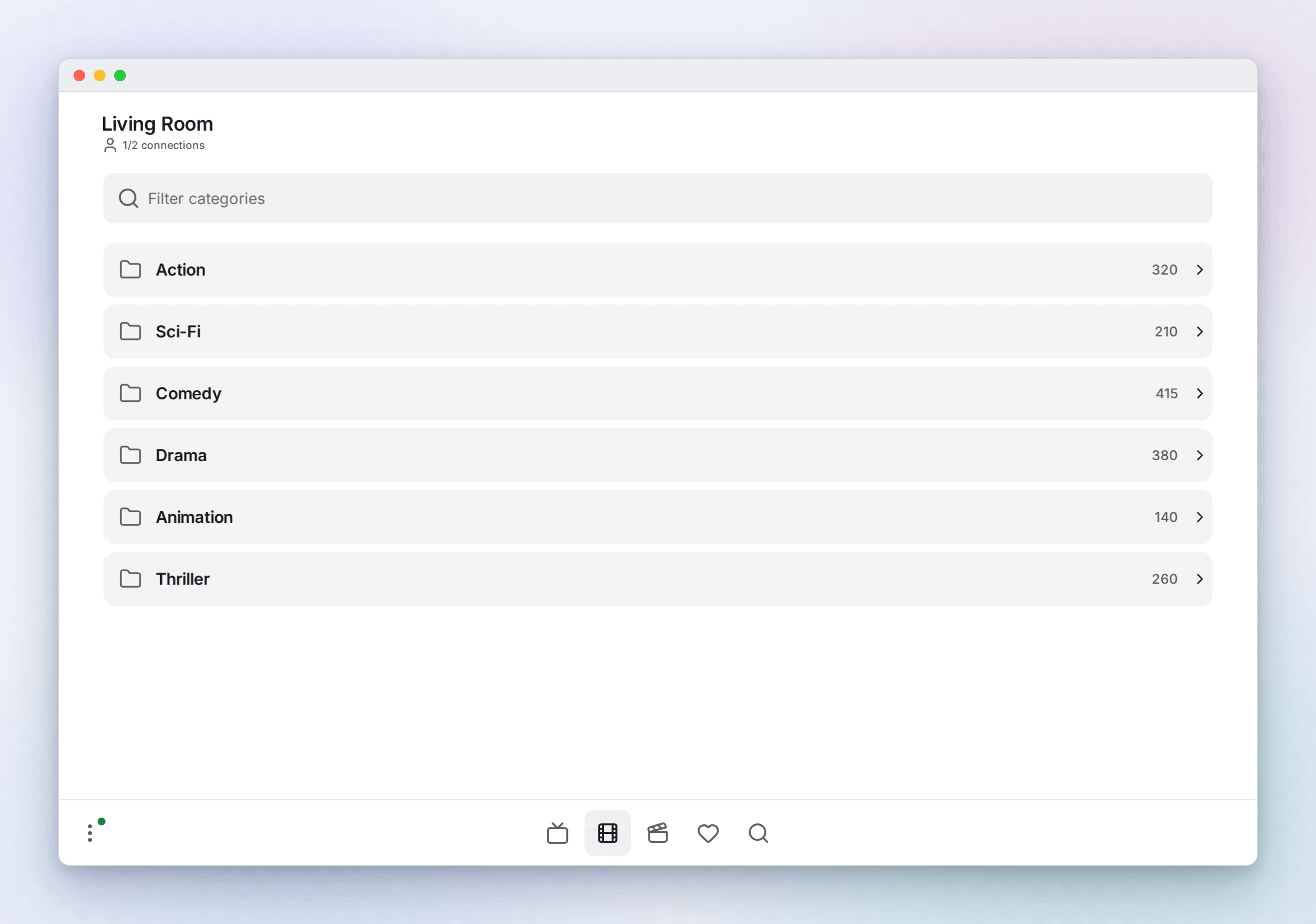
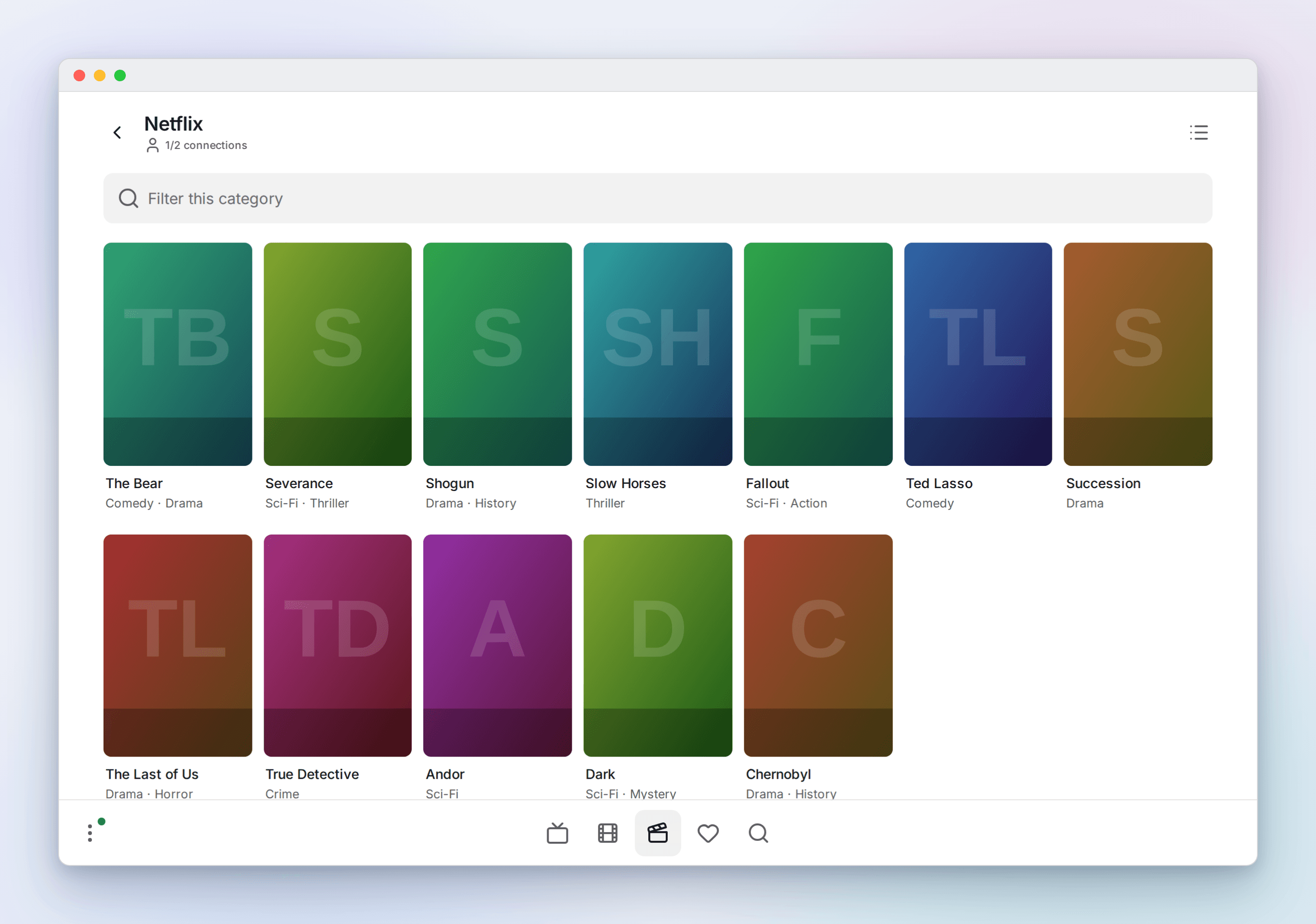
Categories and movies
Each tab opens on its categories. Movies and series default to a poster grid, live to a list, and the toggle is remembered.
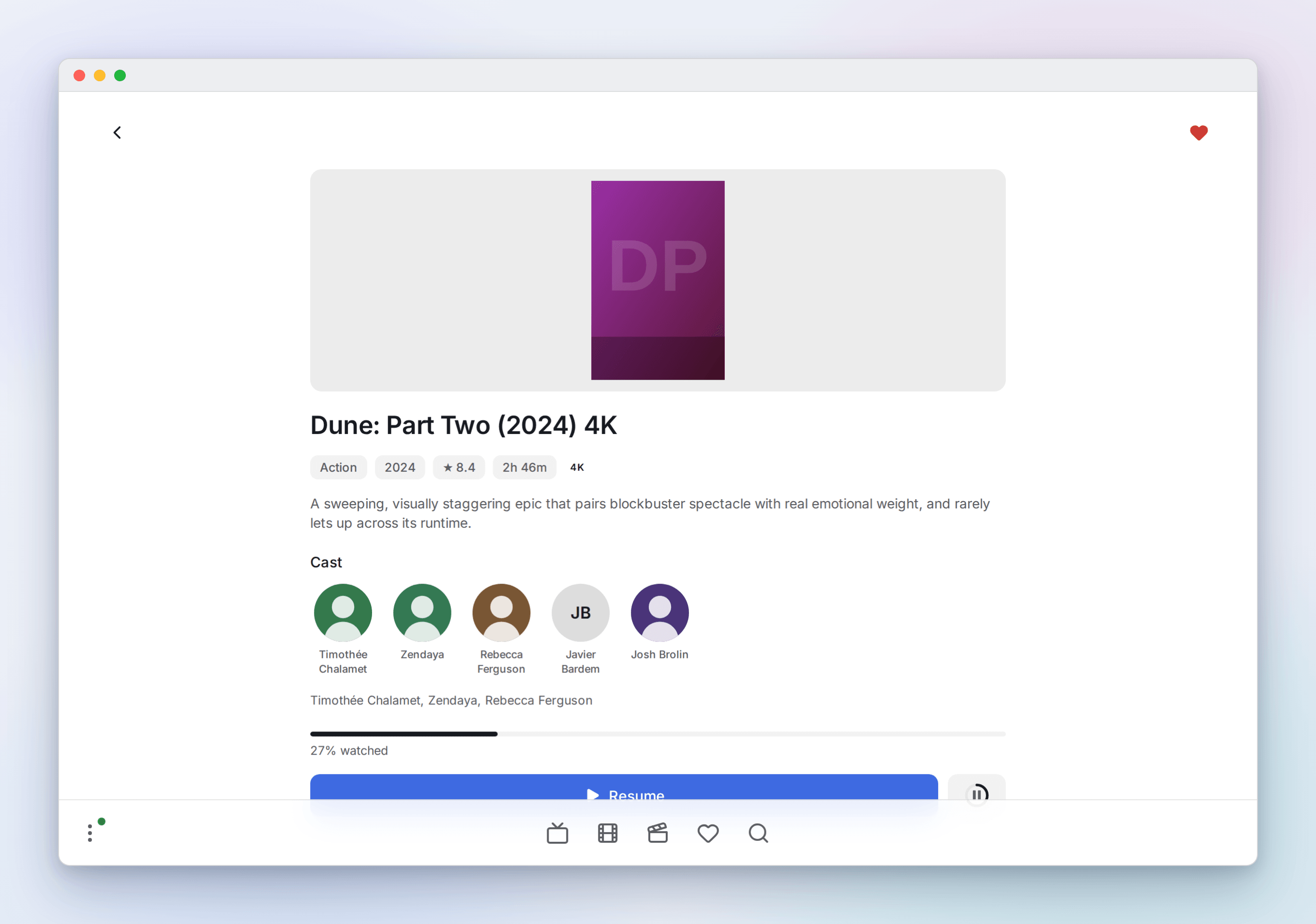
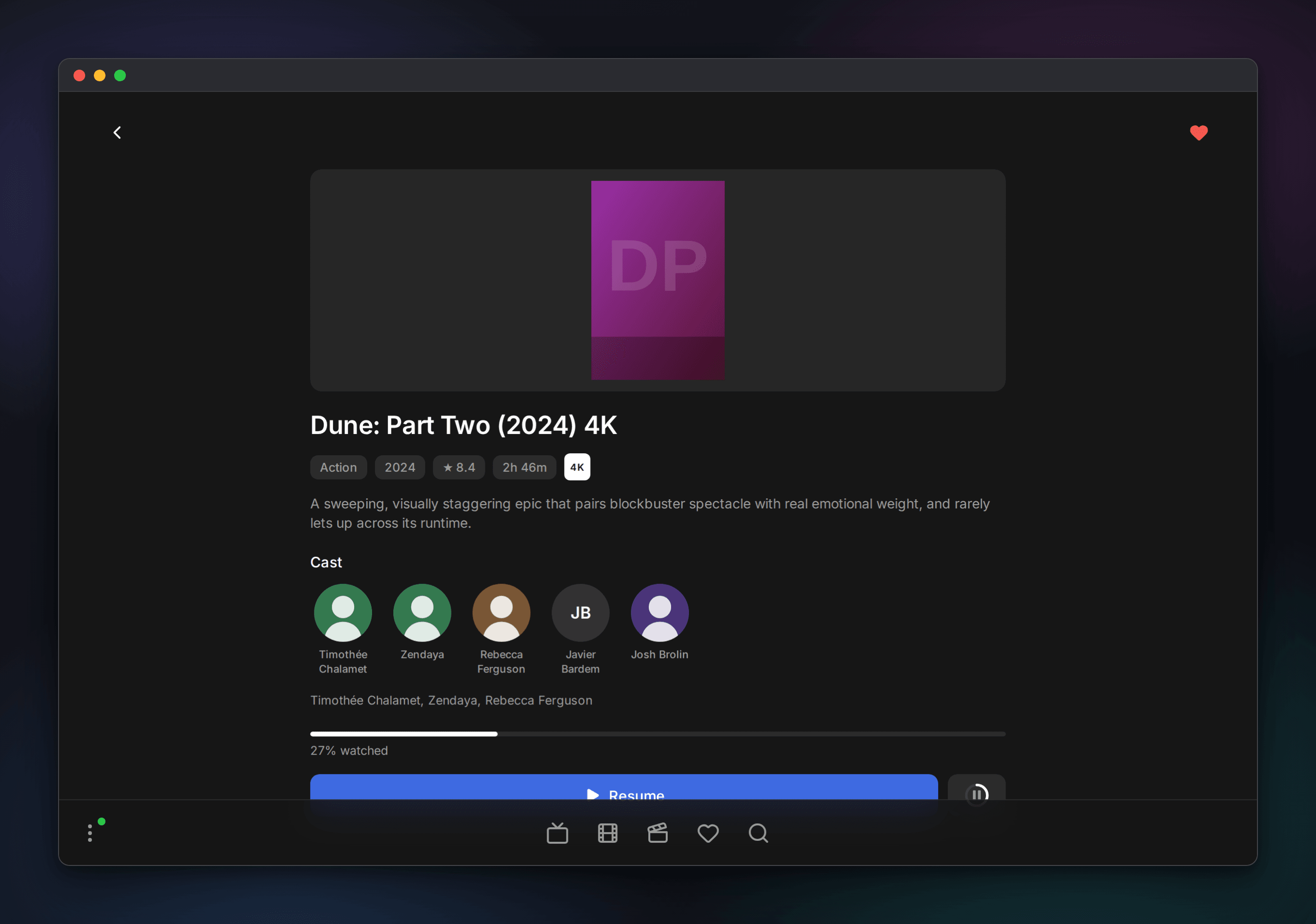
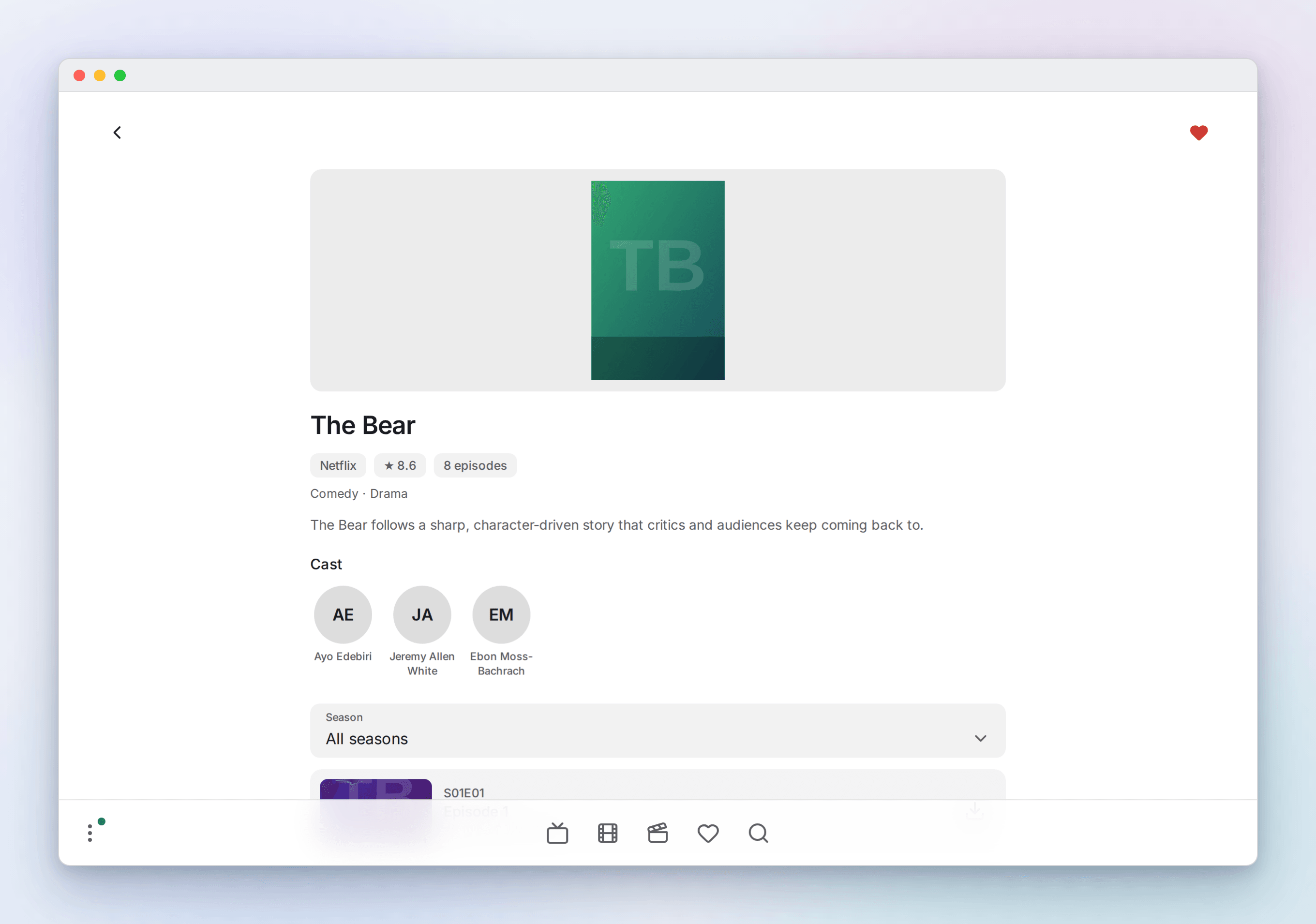
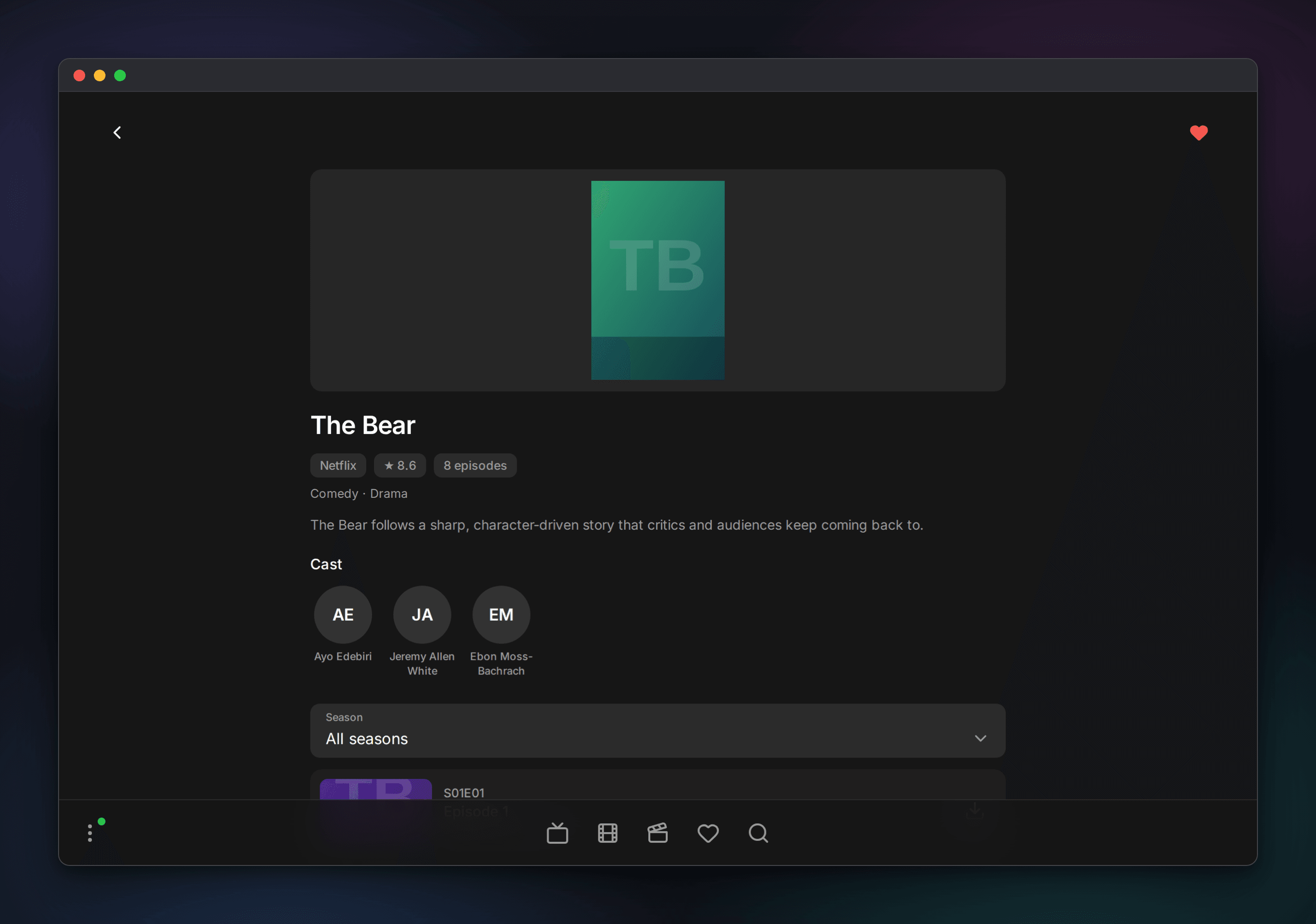
Detail pages
Movies, series and episodes get a full page: synopsis, rating, genre and runtime, cast with photos, a season picker and per-episode progress.
Guide and catch-up
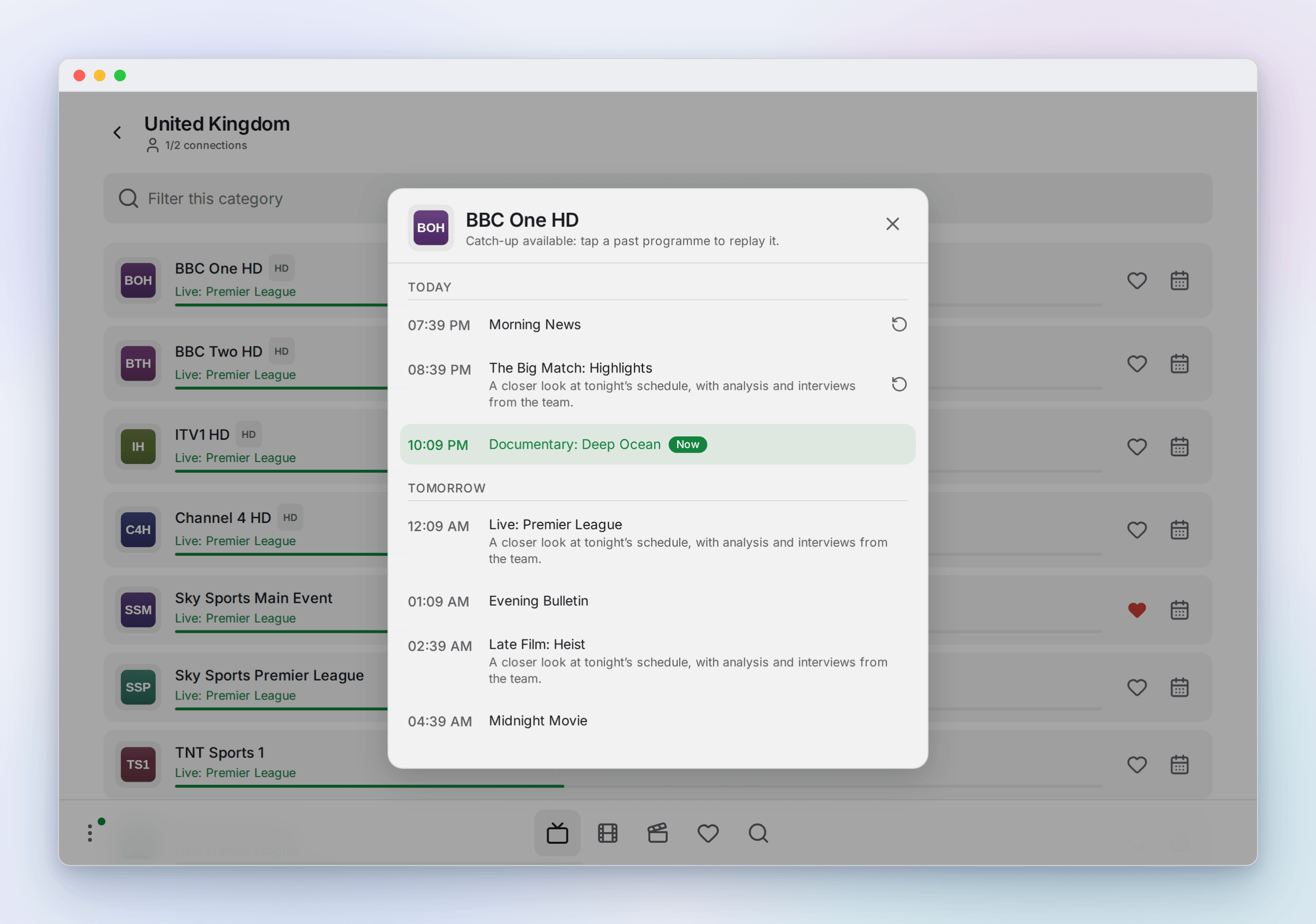
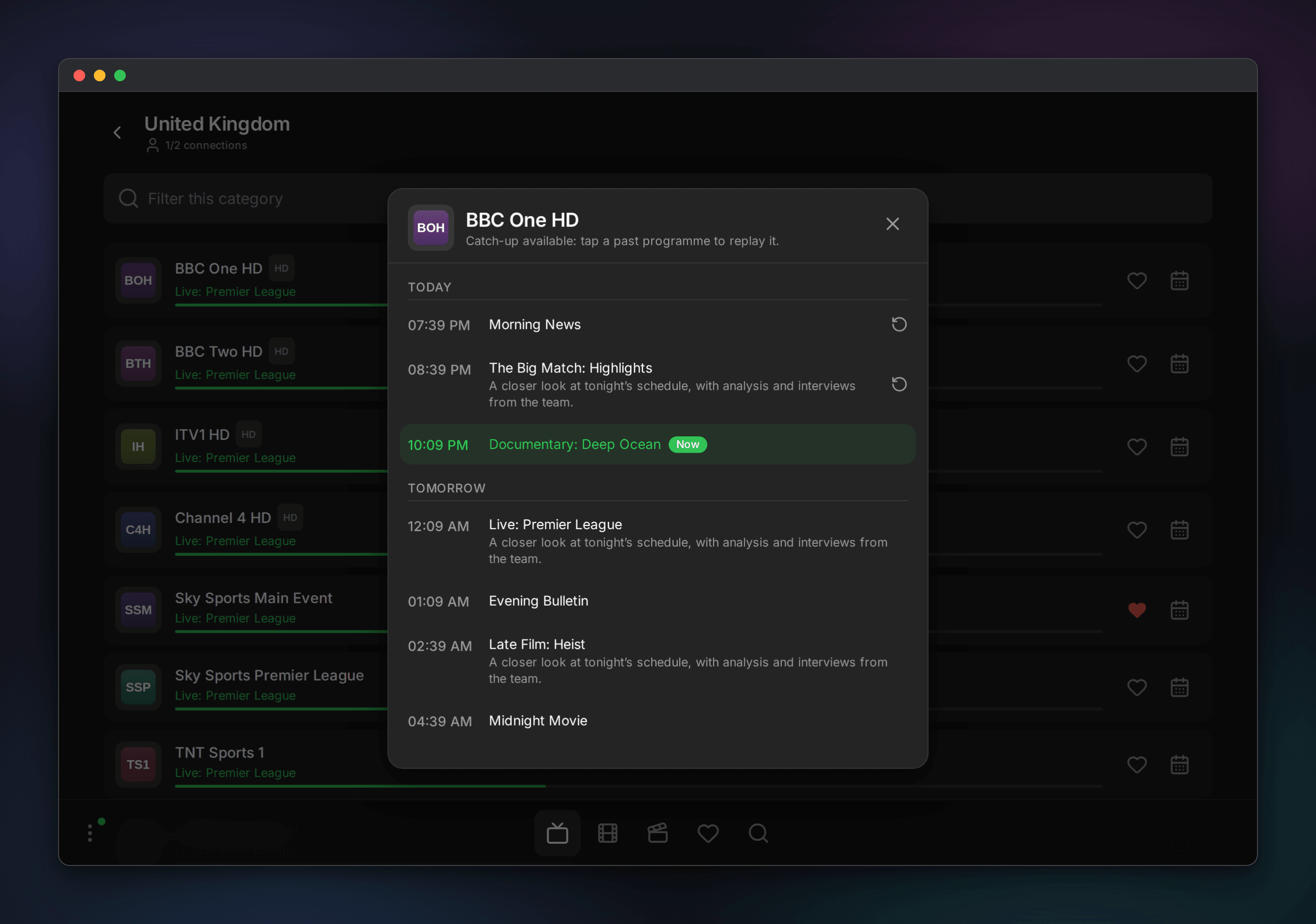
The per-channel guide opens as a sheet. On channels that keep an archive, past programmes are tappable to replay.
Search and favorites
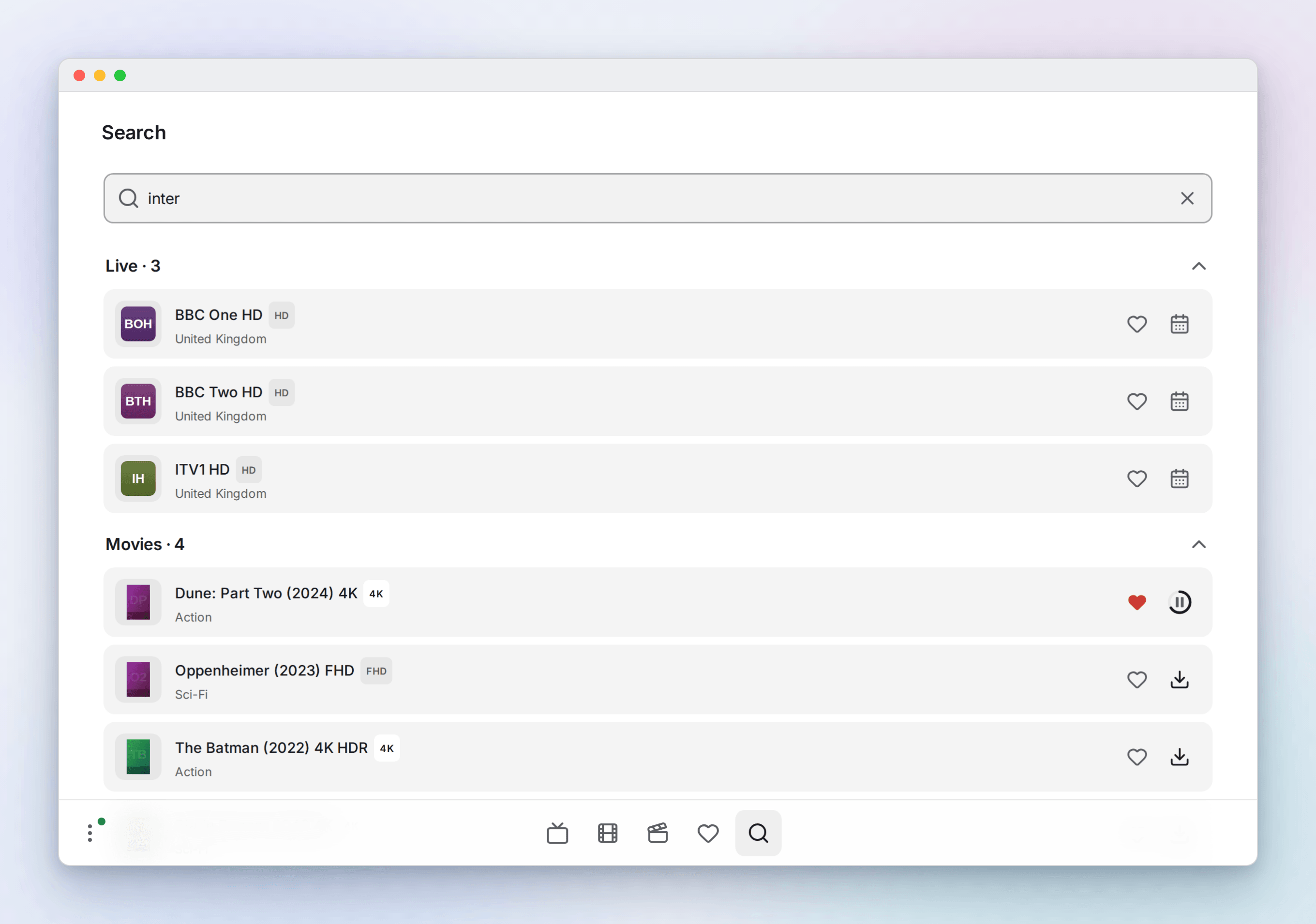
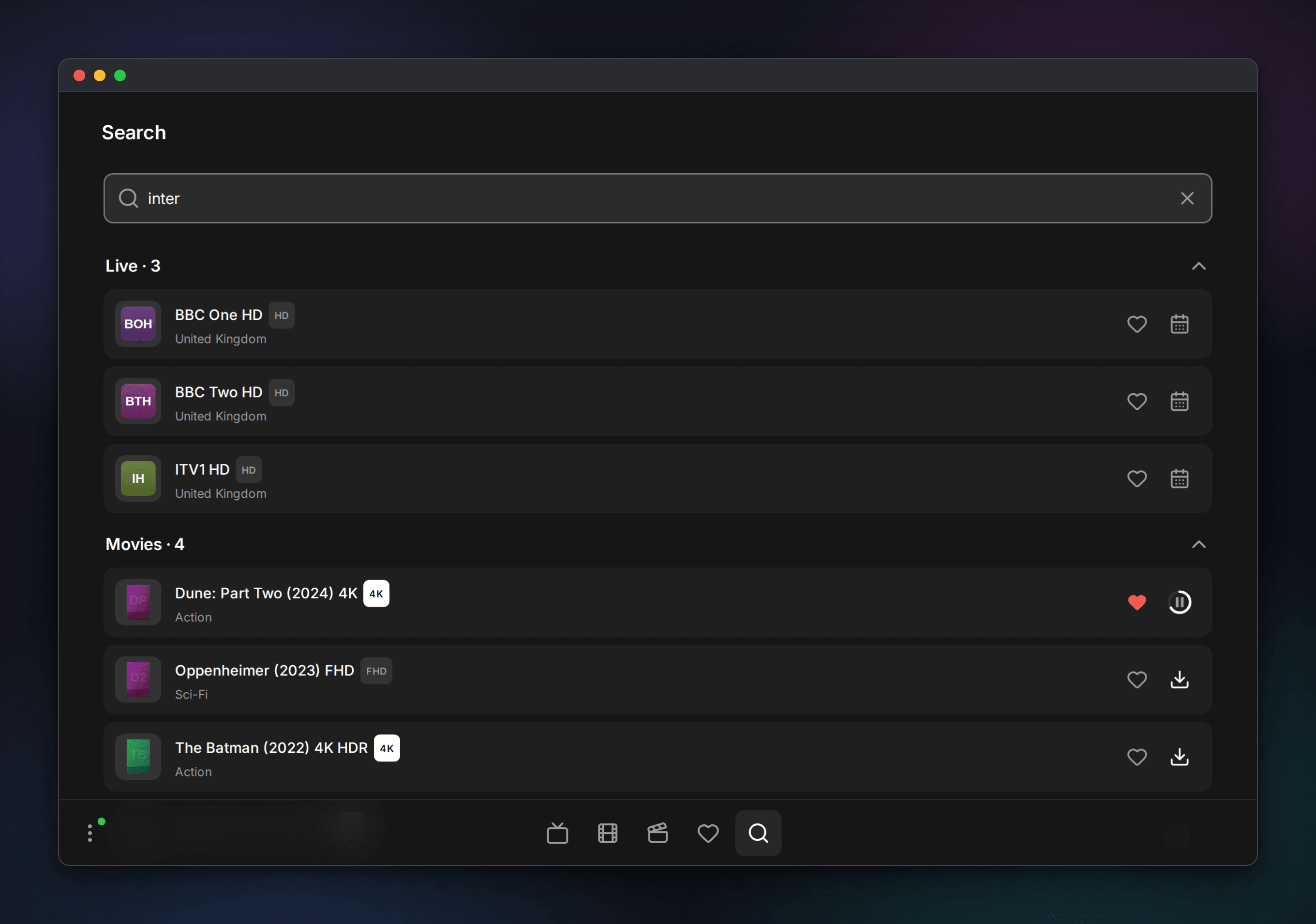
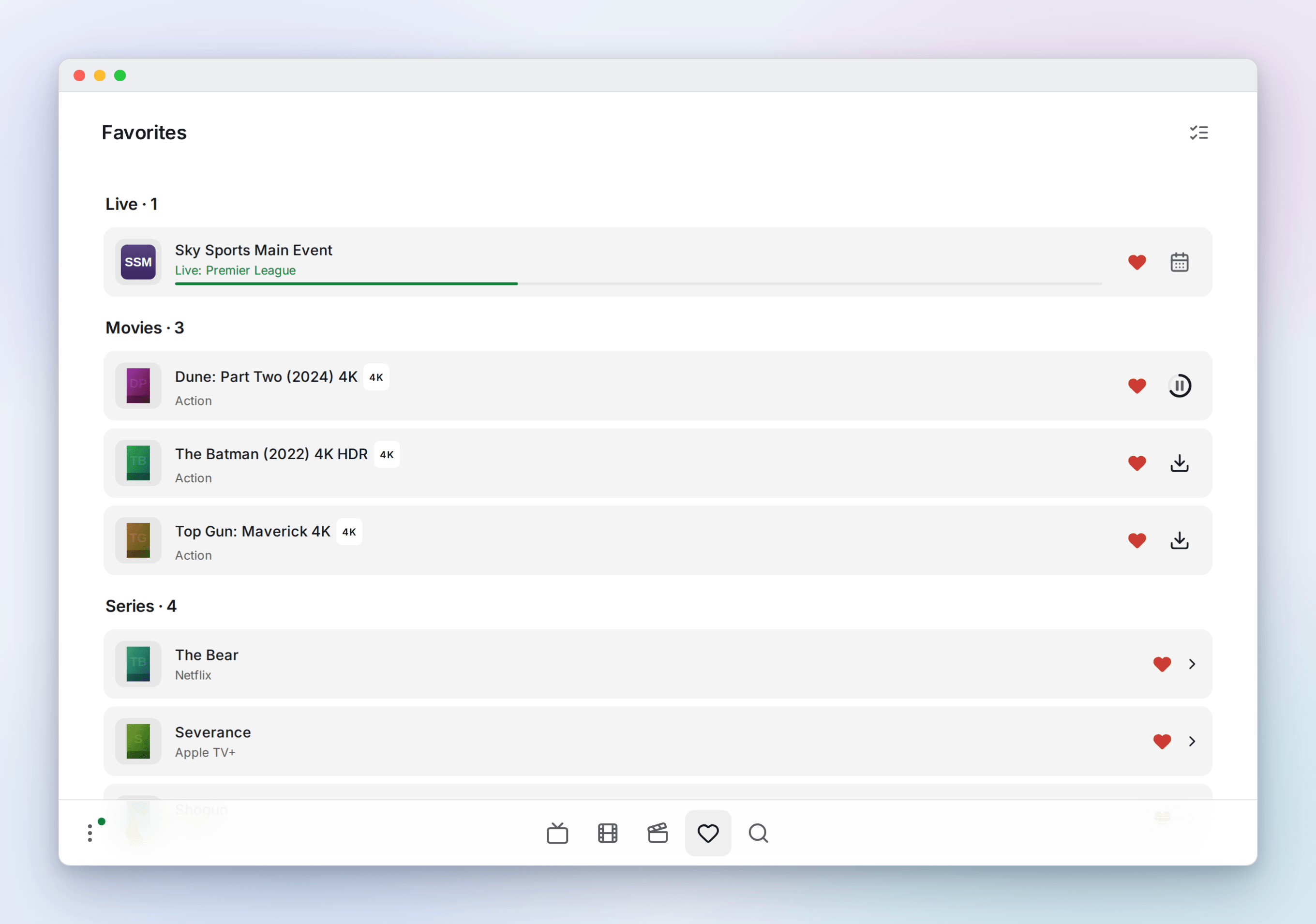
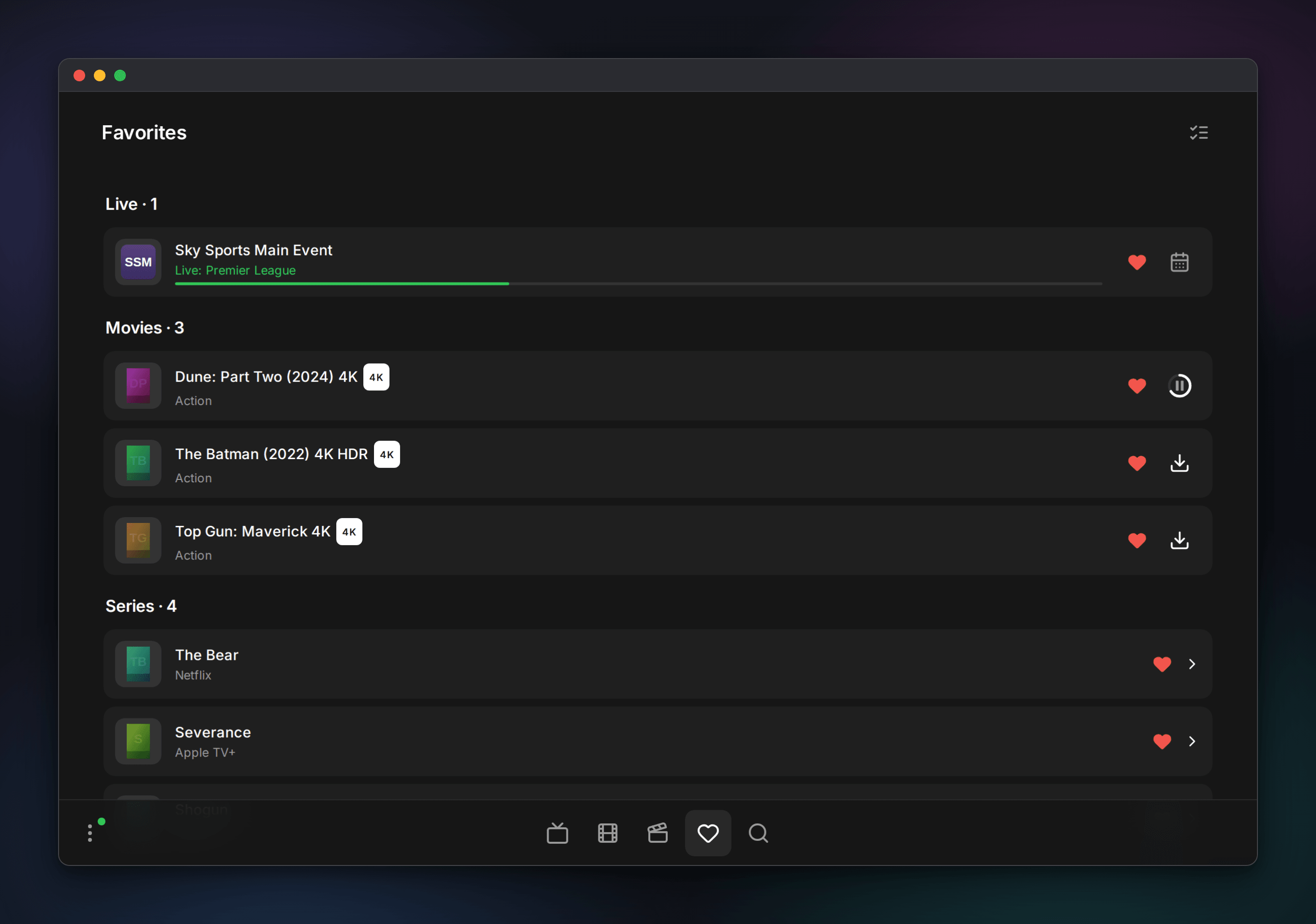
Search runs across live, movies and series at once. Favorites are yours rather than any one playlist's, so the page lists them from every playlist you have access to, grouped by type, with chips to narrow to a single playlist. Entries stay keyed to the playlist they came from, so the same title favorited in two playlists remains two entries and survives refreshes.
Playlists, downloads, account and settings
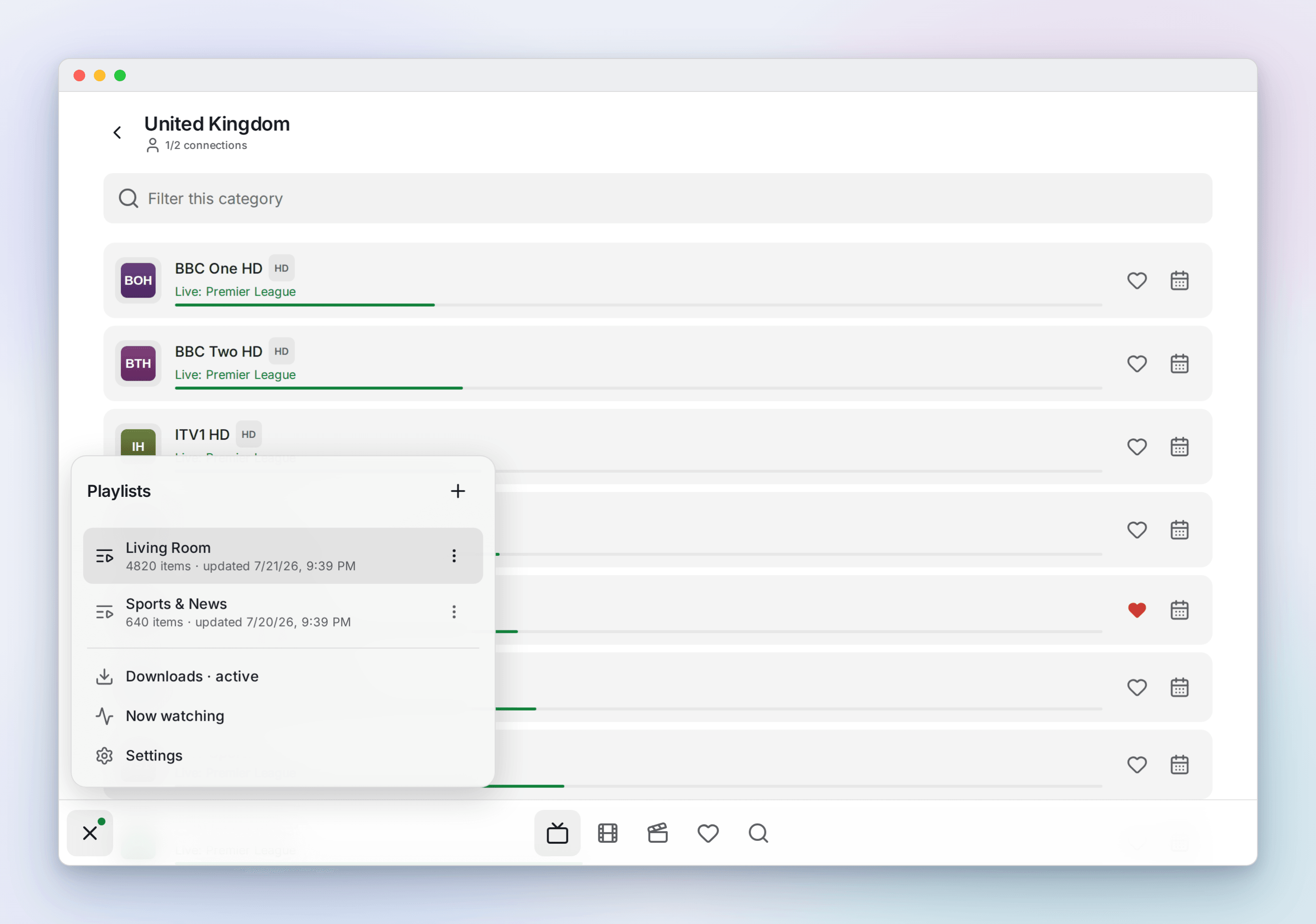
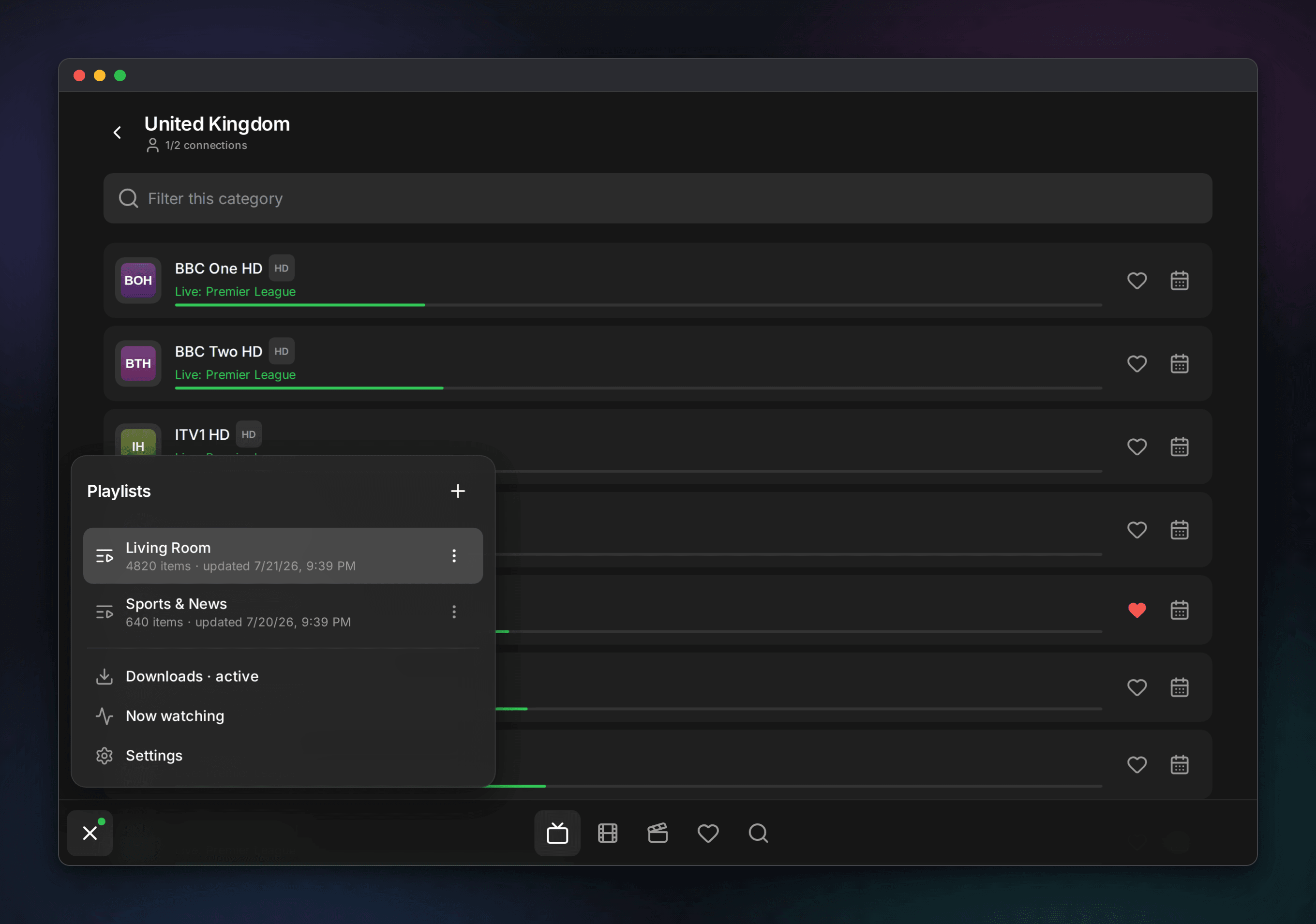
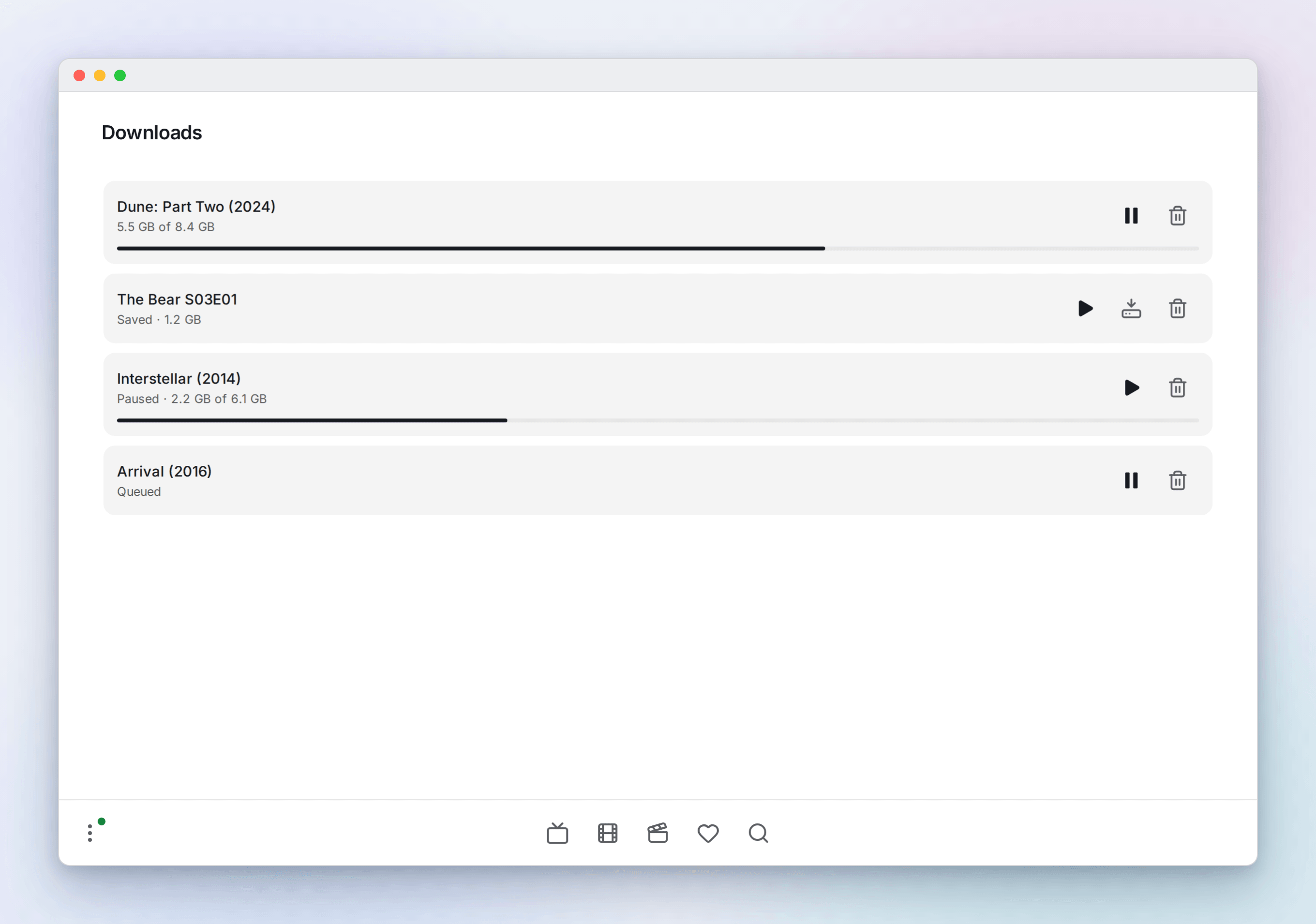
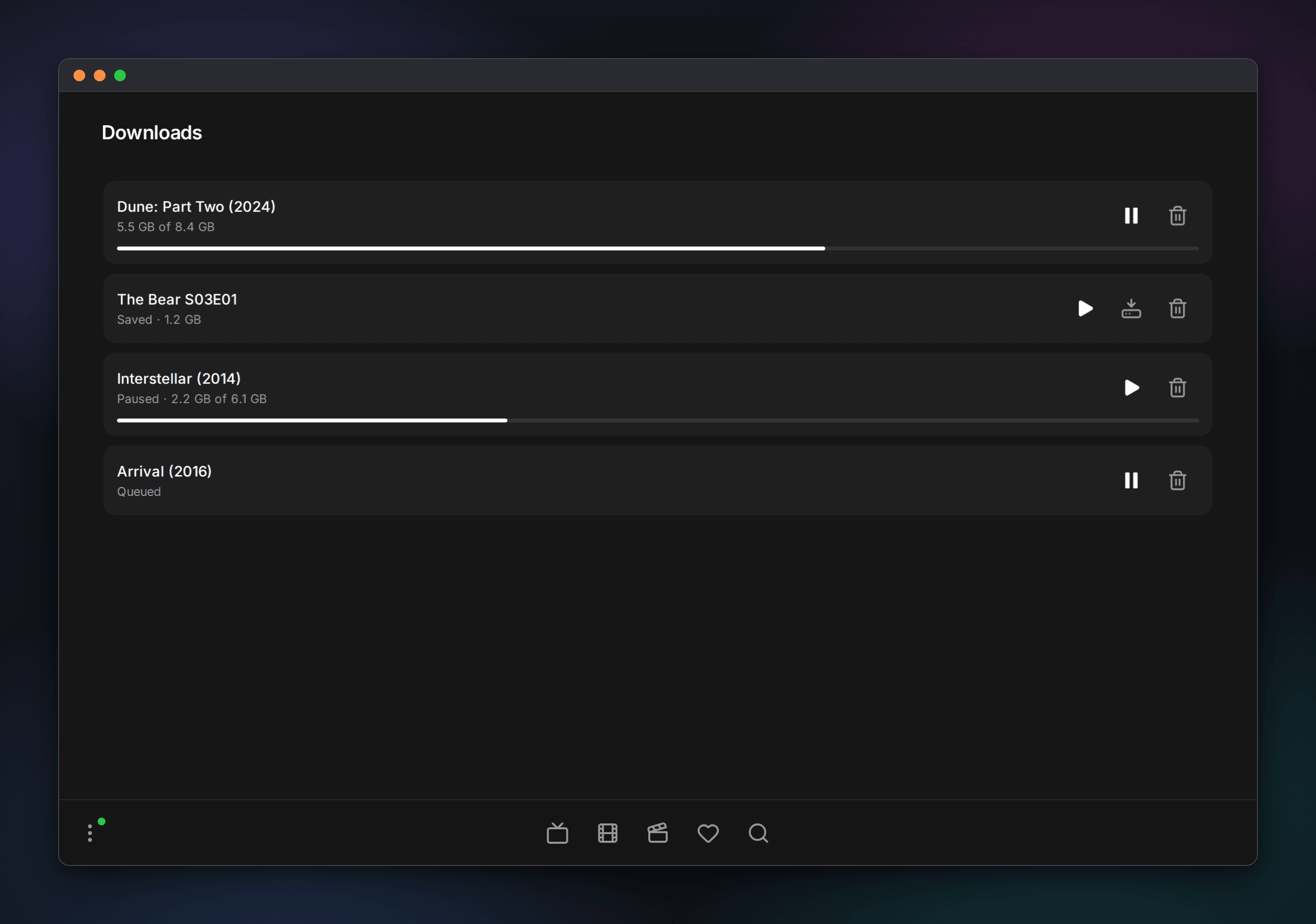
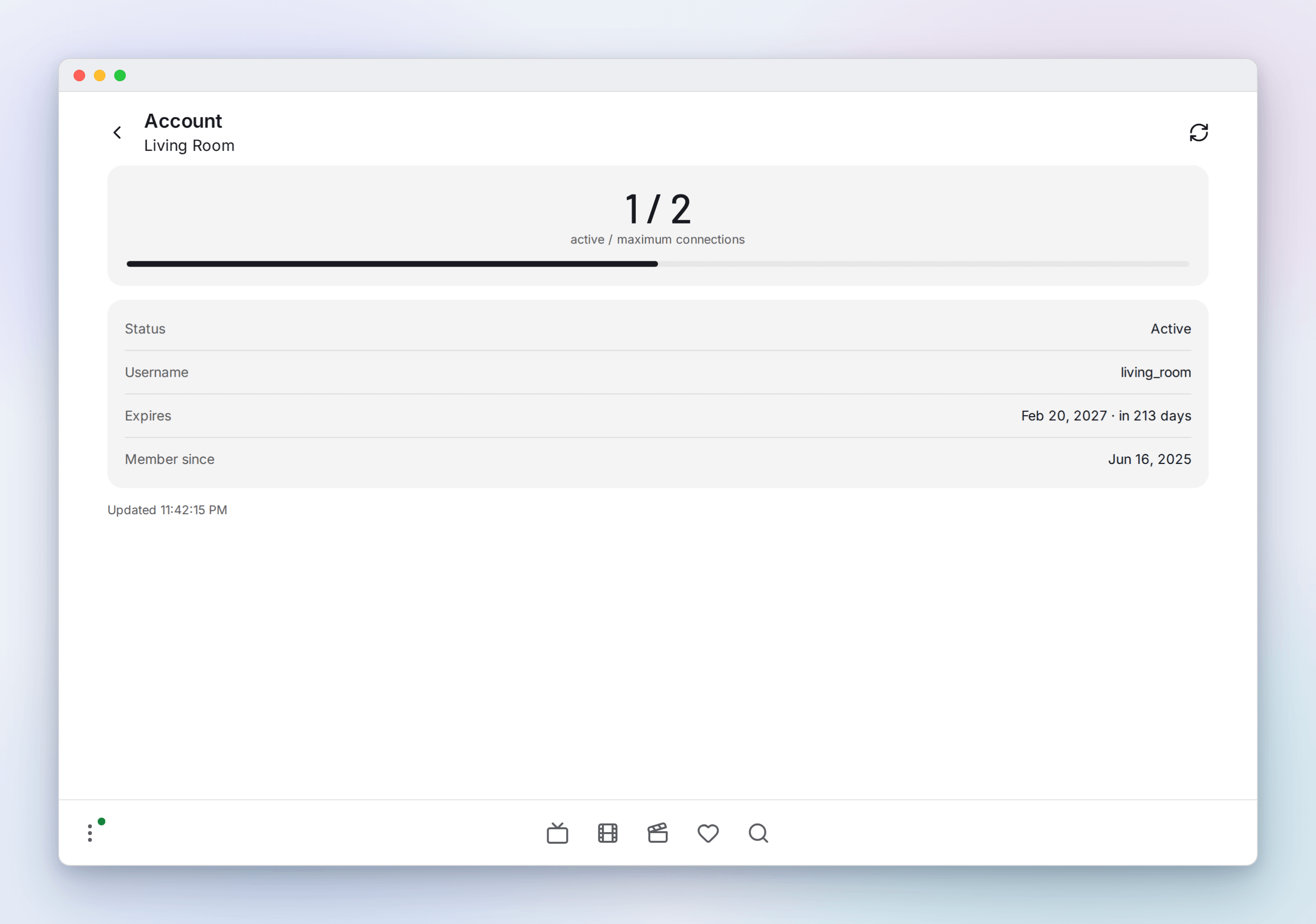
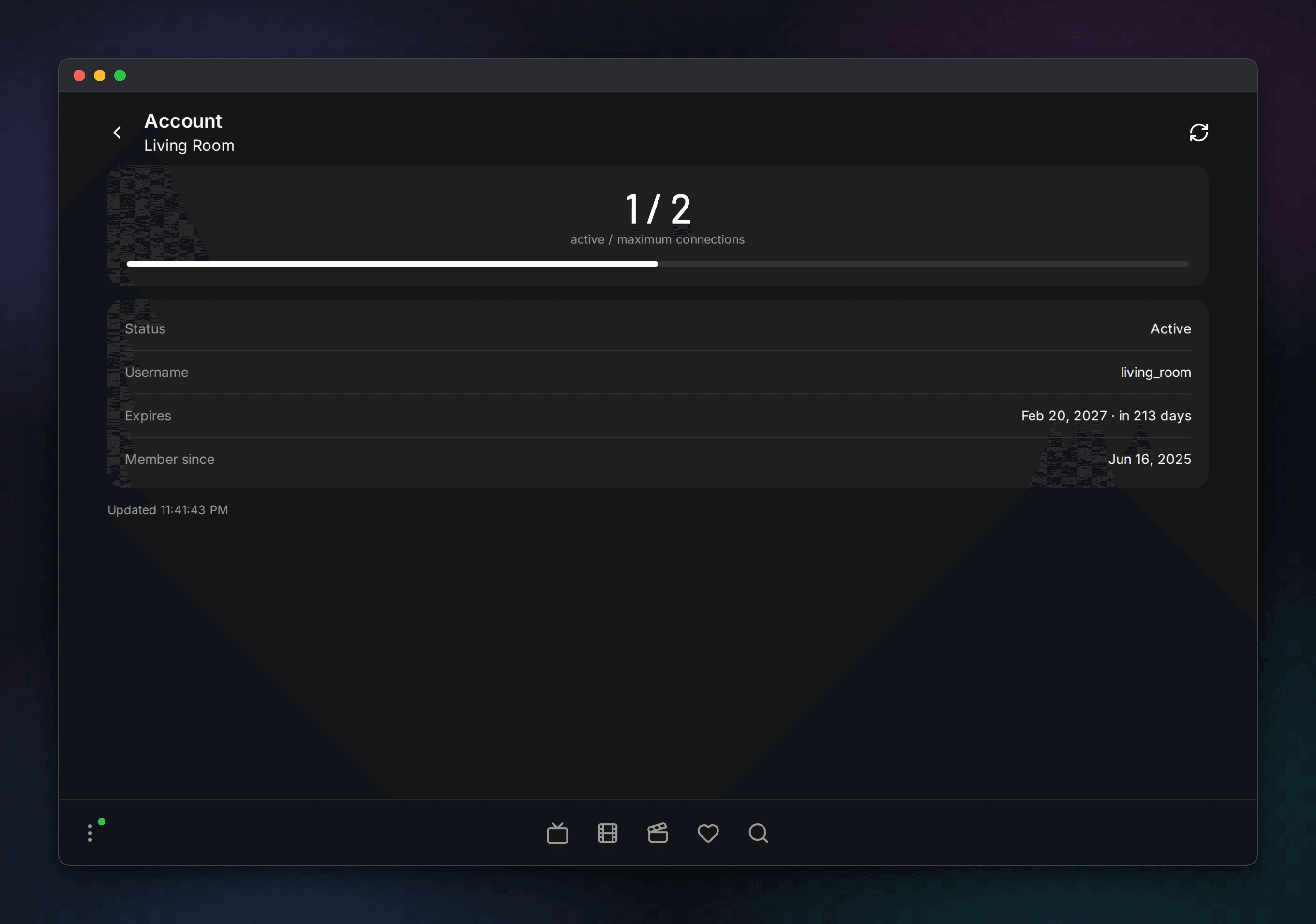
The burger opens the playlists panel, where you switch, add, refresh and edit playlists and reach Now watching, downloads and settings.
On a phone
Everything scales down to a phone, where the dock becomes a tab bar.