Web client
OpenTV also runs as a self-hosted web app: the same browsing, search, EPG, catch-up, favorites and resume as the Android app, from any browser. It ships as a single Docker image with a small server that stores your playlists in SQLite and proxies streams so the browser can play them.
Under the hood it is the same app. The Android client and the web server share the same core modules (M3U parsing, content classification, the Xtream client, EPG, catch-up, metadata and the SQLite data layer). Only the UI differs.
The screenshots throughout these pages use a mock provider that does not exist. Every channel, movie and series shown is a placeholder, for illustration only.
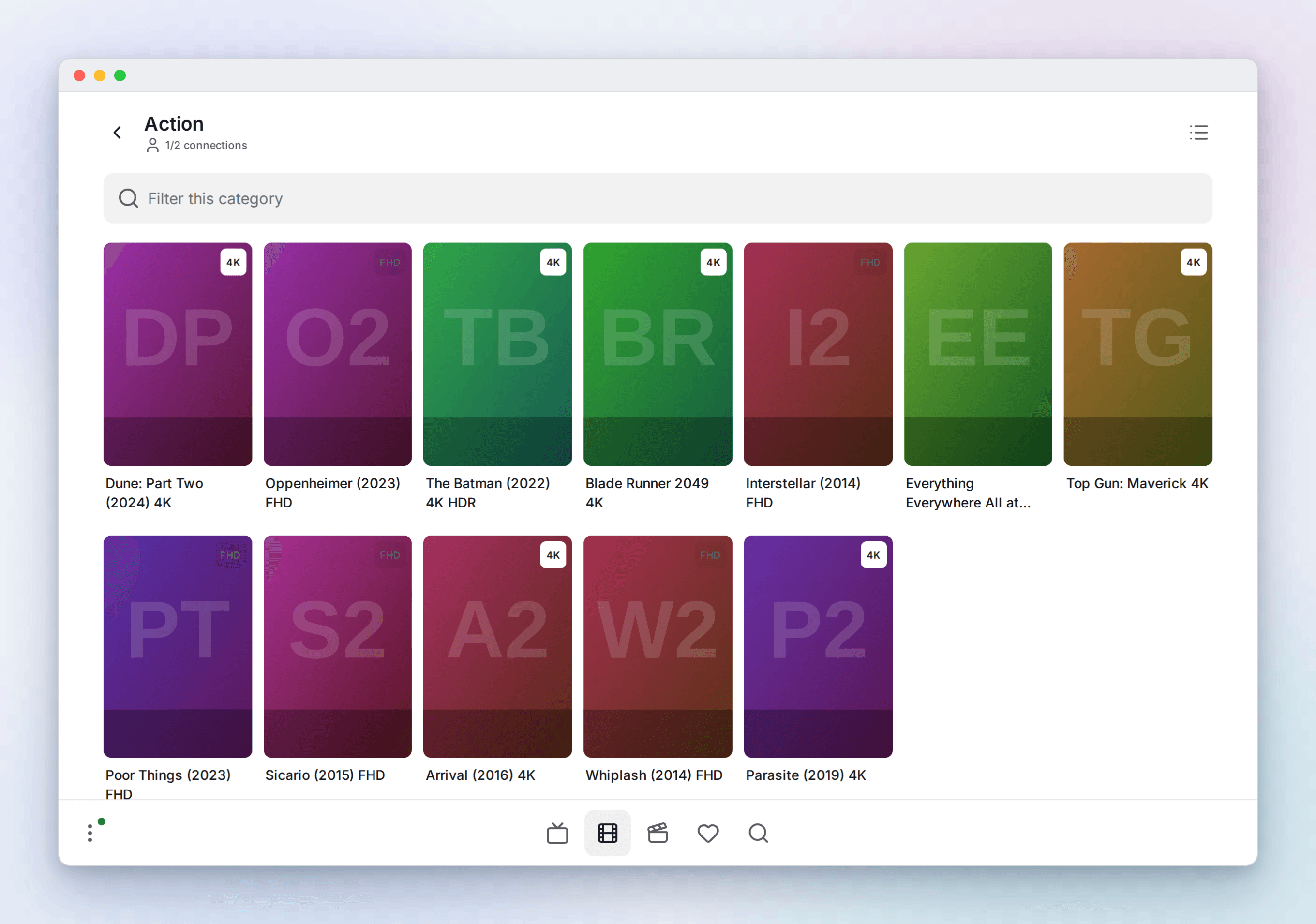
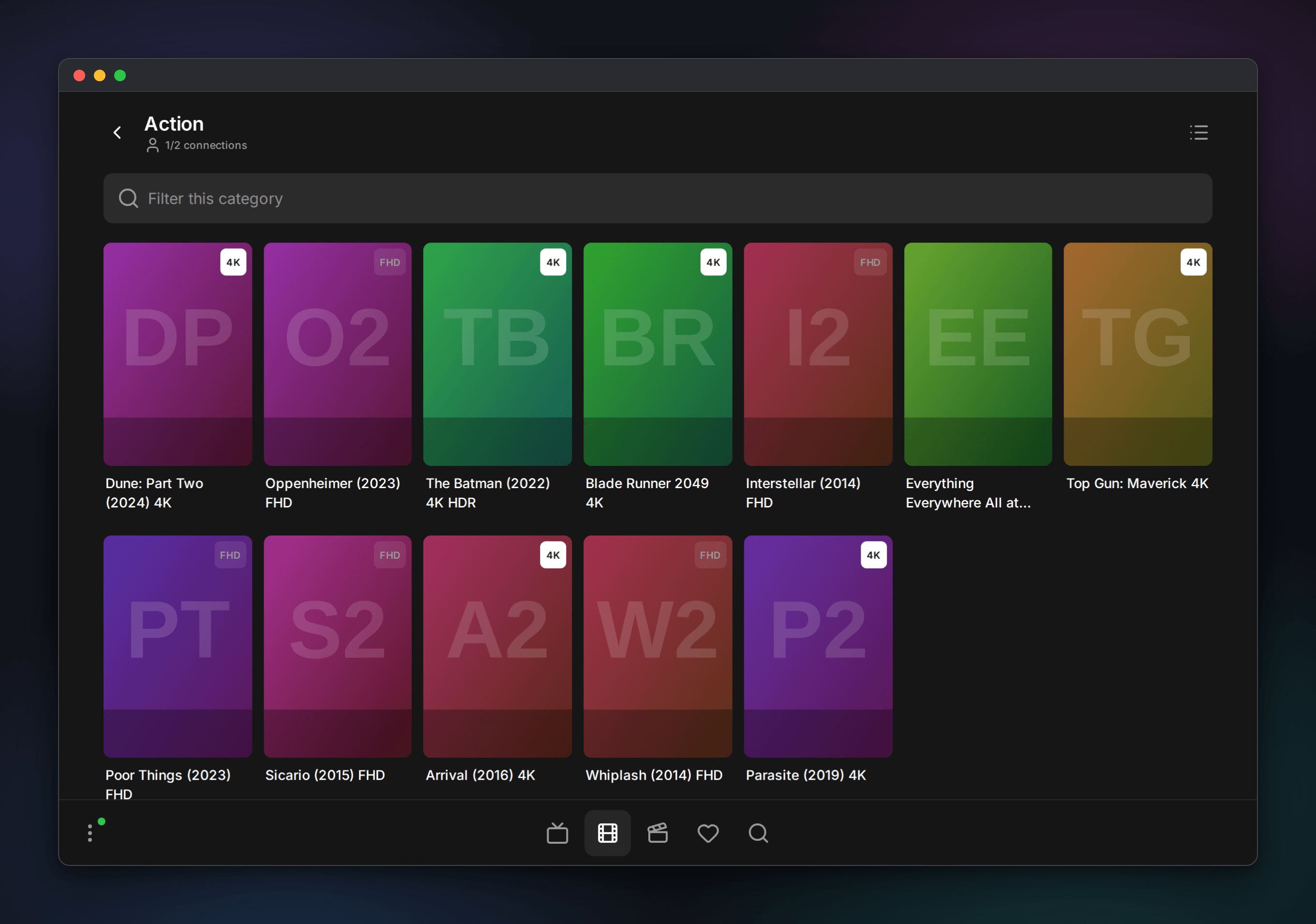
The web UI is a touch-first cockpit: a bottom dock with Live / Movies / Series / Search for the active playlist plus account-wide Favorites, and a panel (the burger) that holds your playlists plus Now watching, downloads and settings. Favorites from every playlist granted to your account appear together, with a playlist filter when you want one source. Playback opens as a fullscreen player. It ships dark, light and system-following themes and works on big landscape touchscreens (including in-car browsers) down to phones, where the dock becomes a tab bar.
Each screen is fetched the first time it is reached, and the ones the dock can reach are fetched quietly while the browser is idle, so moving around costs nothing after the first load. The two playback engines are the exception: they are large, most sessions need at most one of them, and many files play on the browser's own video element without either, so each is fetched only when a stream turns out to need it, alongside the calls that open that stream.
Browsers can render the video of a live channel while silently dropping its audio. This happens in both Chromium and Firefox, and neither browser codec claims nor provider HLS metadata reliably predicts it. When ffmpeg is installed, every solo live browser stream therefore starts on the compatible server transport: the video is copied bit-for-bit while the first audio track is converted to 256-kbit stereo AAC. It replaces the original provider read instead of opening another one, so it also works when the subscription allows only one simultaneous connection. Without ffmpeg, the browser falls back to the original stream.
Reloading a solo player replaces the previous lease from that browser tab before the new one starts. This releases the old provider connection immediately instead of making the reloaded page wait for the stale player to expire and then report a connection limit.
On a large landscape touch screen the whole interface is drawn larger, in two steps from 1500 × 800 and 1800 × 900 CSS pixels. This targets car-style screens, which are watched from across a cabin. Width alone does not activate it: a regular desktop monitor, including a 27-inch display, keeps the ordinary desktop scale. Everything scales together rather than only the text, which keeps the proportions the design intends.
The server supports local password accounts with TOTP or WebAuthn MFA, OIDC SSO, administrator/user roles, playlist assignments, and revocable playback leases. Provider credentials stay server-side. See Server authentication and user data before deploying, and terminate public deployments with HTTPS.
Where to next
- A visual tour walks through every screen.
- Now watching shows who is watching what, with remote controls and live stream diagnostics.
- Self-hosting covers Docker, the reverse proxy and every configuration option.