Now watching
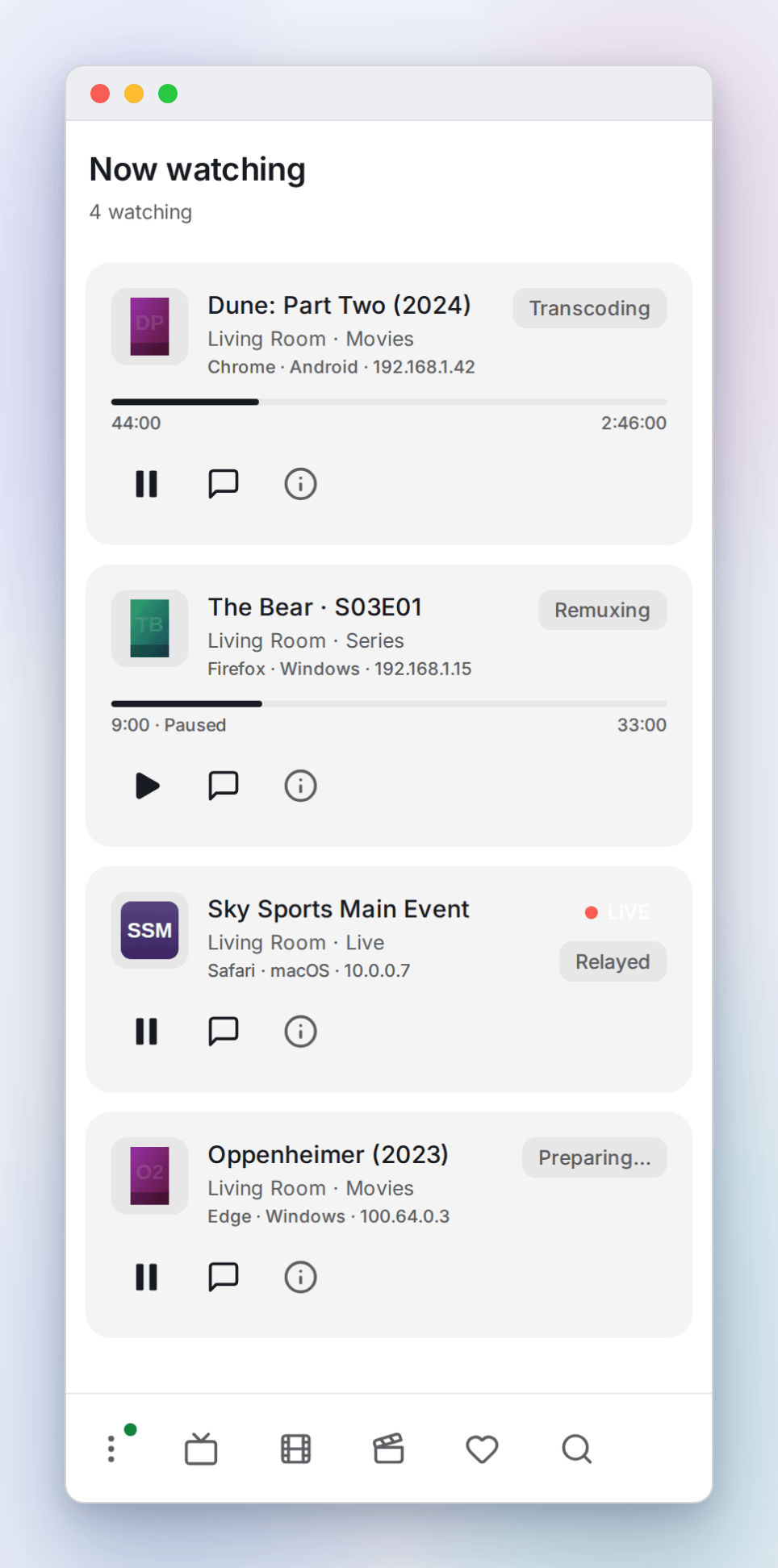
The playlists panel has a Now watching page that lists everyone currently watching through this OpenTV server, one card per viewer. It doubles as a debugging tool: each card can tell you exactly what the server is doing for that stream, and why.
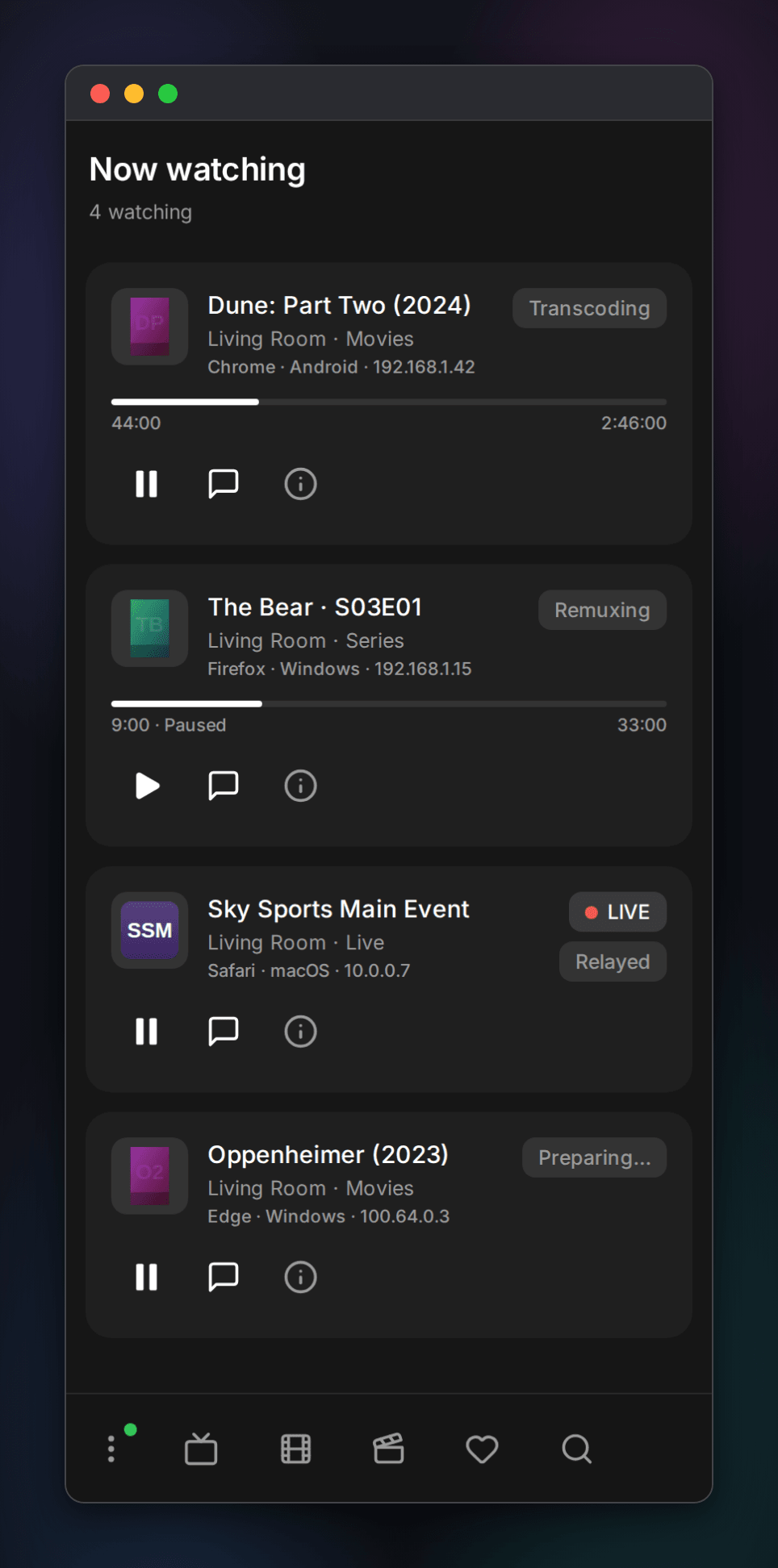
These shots use a mock provider that does not exist. The viewers, titles and IPs shown are placeholders, for illustration only.
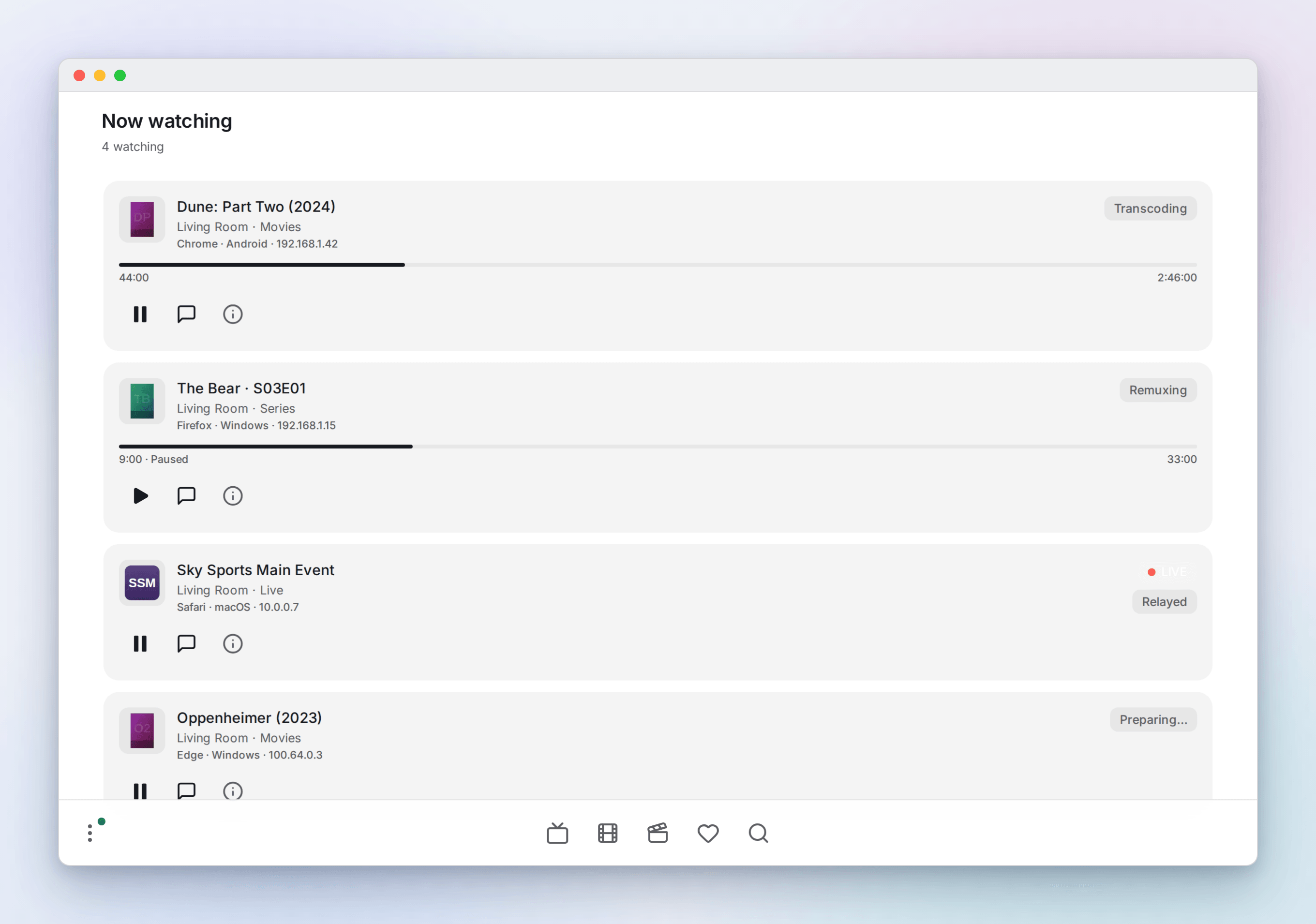
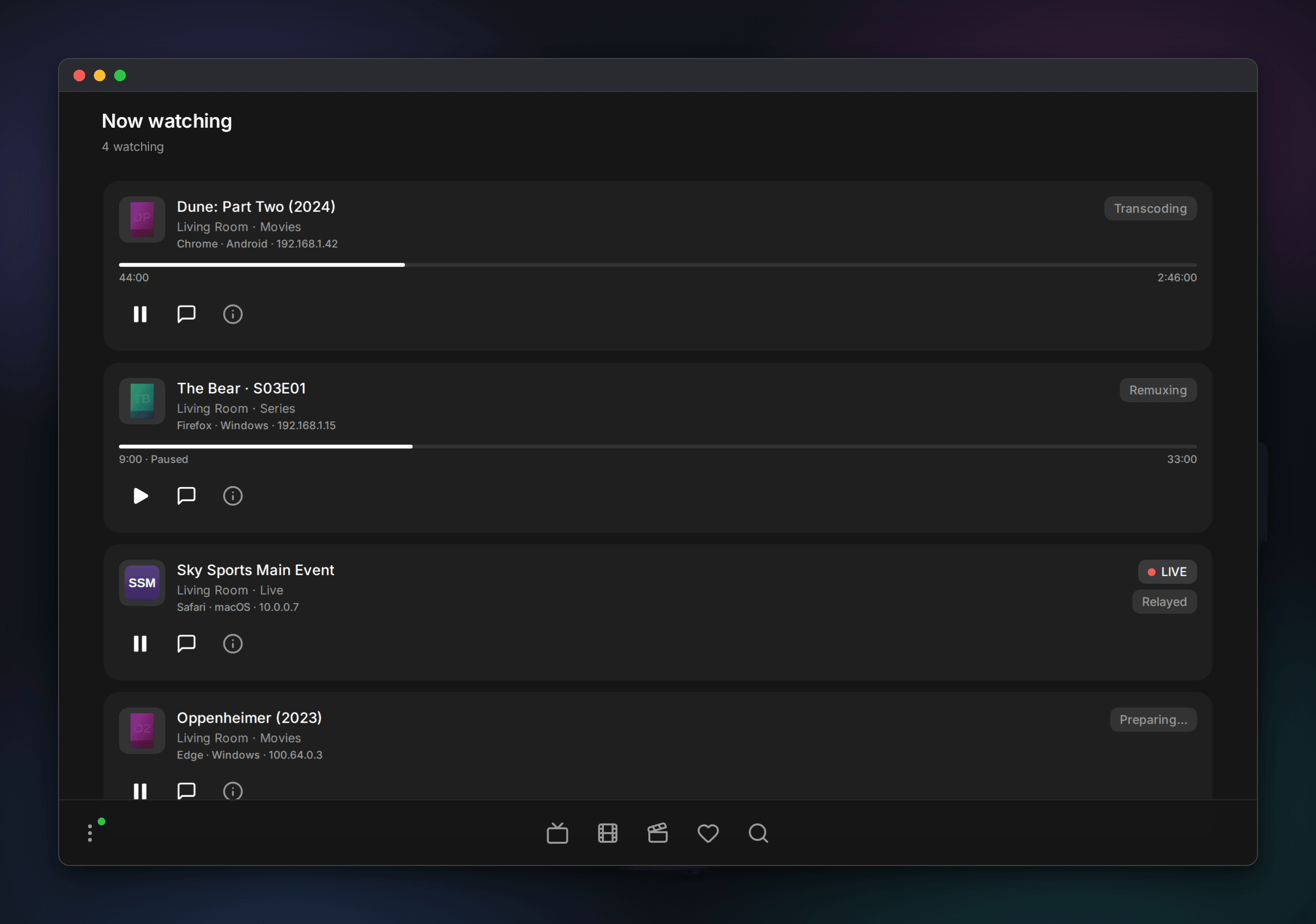
Each card shows the title, playlist, account username/display name, client kind, IP address, and browser/OS details. You get a live progress bar, and a paused viewer says so.
Controls
From a card you can:
- Pause or resume their playback remotely.
- Send a short message that pops up on their screen.
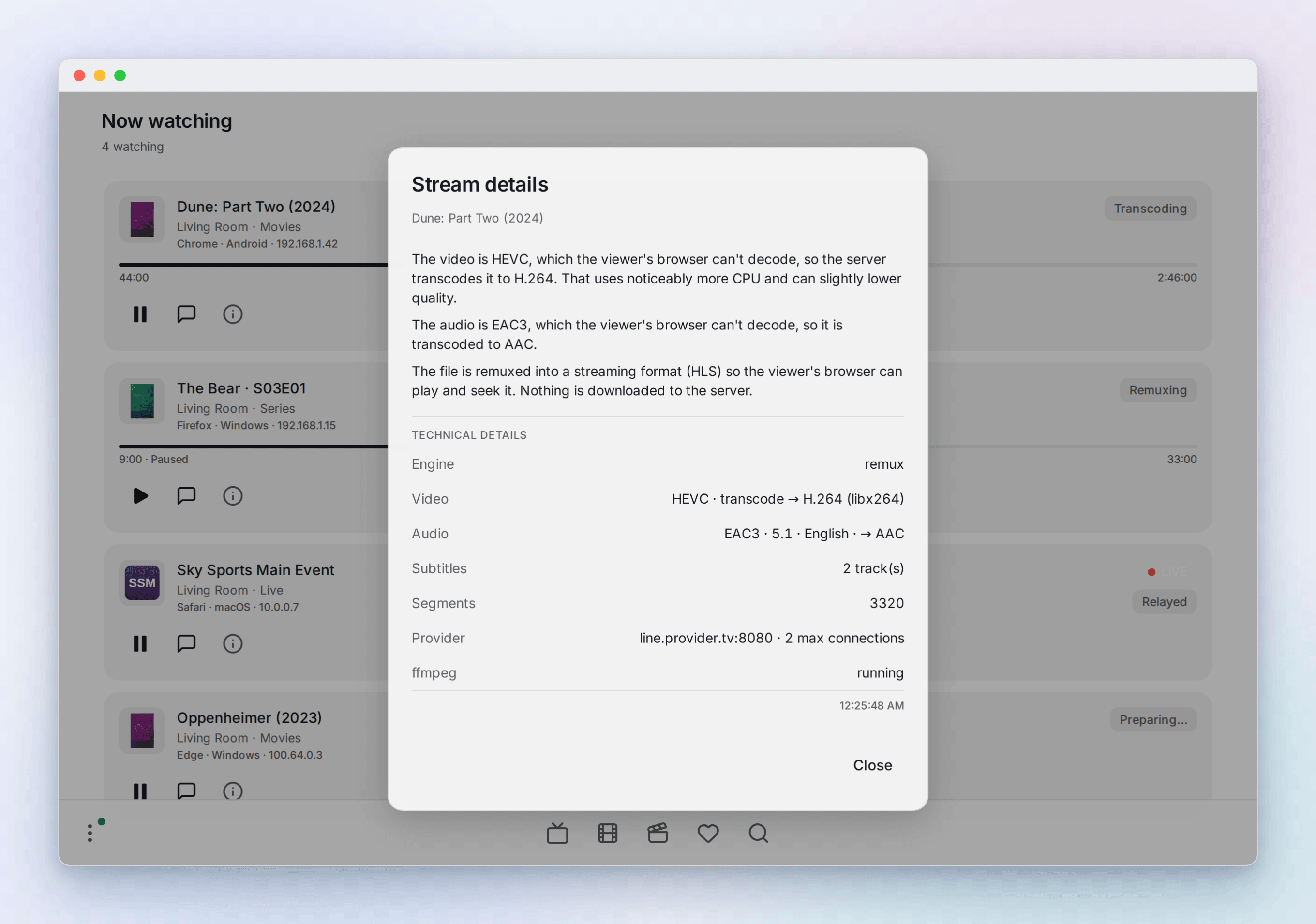
- Open stream details to see what the server is doing, and why.
Reading the stream details
The badge names the playback path, and the panel explains it in plain language before listing the technical facts:
- Direct play plays the source as-is, no conversion.
- Relayed proxies the bytes untouched (this is what live channels normally do), only to get past the browser's cross-origin and mixed-content limits.
- Remuxing repackages the file into HLS and copies the video through when the browser can decode the codec. No quality loss.
- Transcoding re-encodes the video to H.264 for a browser that cannot decode the original (HEVC, for example). This one costs real CPU.
- Audio transcoding converts undecodable audio (AC3, E-AC3, DTS) to AAC while the video is copied.
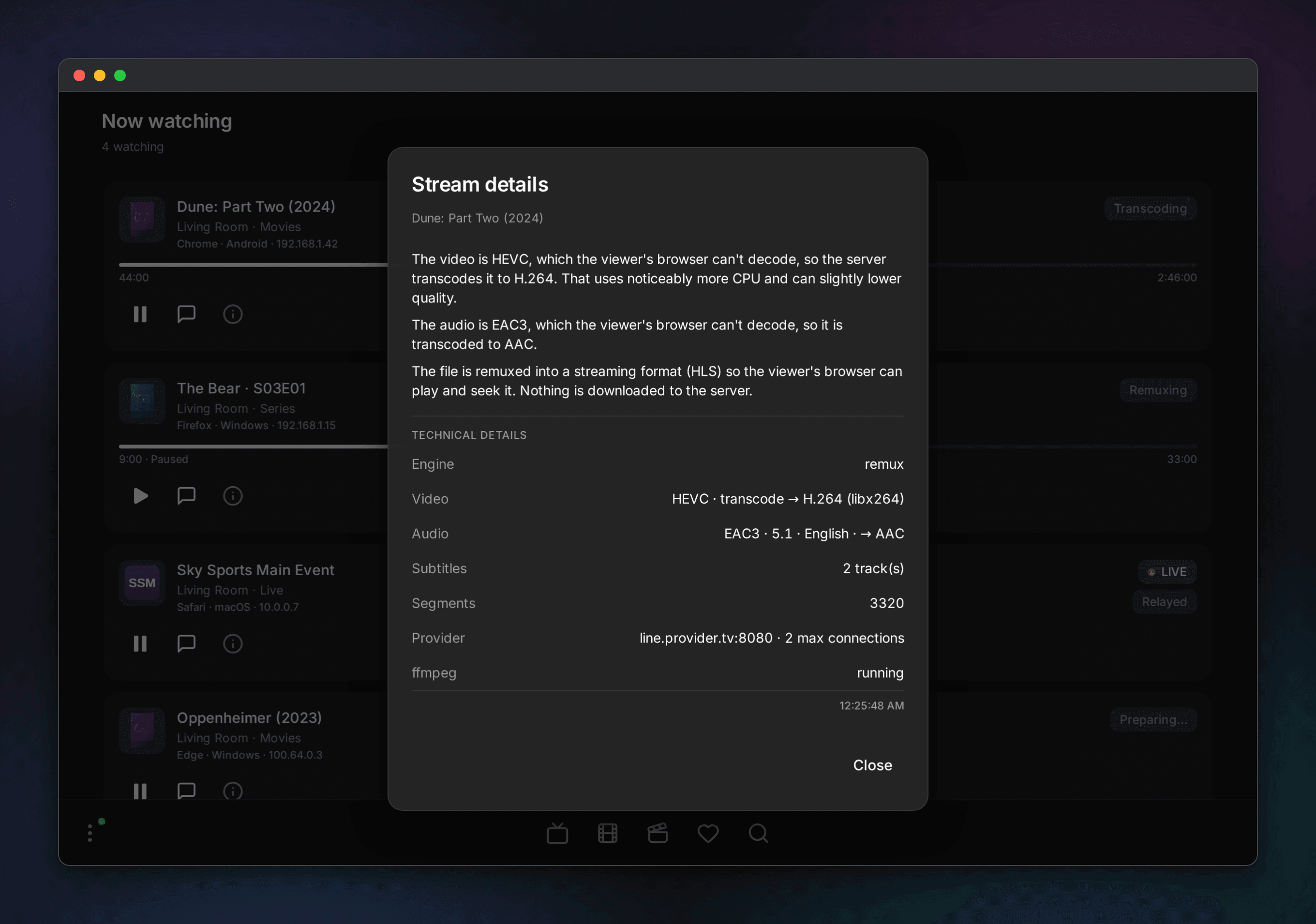
The details open in a modal off the info button. Below the summary they spell out the codecs in play, whether video is copied or transcoded and to what encoder, the audio layout, how many HLS segments, which provider connection the stream holds, and whether ffmpeg is running. It is meant for debugging a stream on the spot, without opening a shell on the server.
Scope and identity
This covers every viewer playing through this server, including connected Android clients. A local M3U or Xtream stream played directly by the standalone Android source does not involve the server and therefore does not appear.
Viewers are keyed by an authenticated, server-issued playback lease. IP is
diagnostic metadata. Set OPENTV_TRUSTED_PROXIES to your proxy's address (see
configuration) and the page reads the
real client IP from X-Forwarded-For.
Now watching and remote controls are administrator-only. A room host may also
control or kick members of that room. A kick removes the target from the room
and shared read immediately, sends room-ended, then revokes only that playback
lease after a bounded 750 ms notice grace and closes its server-side media
transports.